

Overview
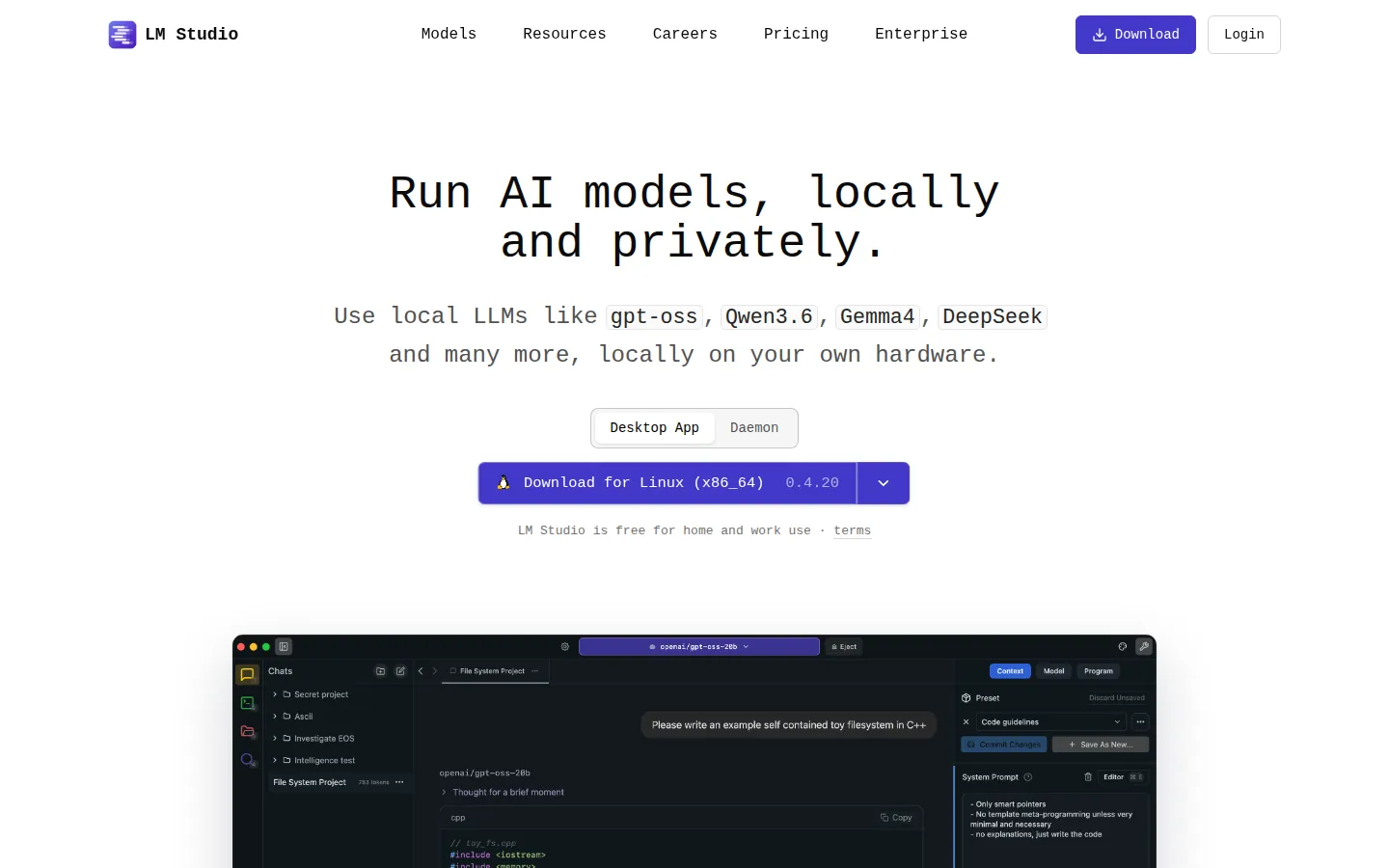
LM Studio is a desktop application for running large language models locally without needing to set up a Python environment or command-line tooling. Its core value proposition is discoverability: a built-in model browser (backed by Hugging Face) lets users search, compare, and download models directly inside the app, then chat with them in a built-in interface or serve them to other software through a local API.
Installation and access
LM Studio is a free download for macOS (Apple Silicon only: Intel Macs are not supported), Windows (x64 and ARM/Snapdragon X Elite devices), and Linux (x64 and ARM64, distributed as an AppImage). The app was previously free for personal use only, with a separate commercial license required for use at a company; as of mid-2025 that distinction was removed and LM Studio is free for both personal and business use.
Interface and workflow
The core workflow is to search or browse for a model in the built-in catalog, download it, and load it into a chat session. No separate download manager or manual file placement is required. LM Studio can also run in a GUI-less "headless" mode for server-style deployments where a chat window isn't needed. A local server mode exposes downloaded models over an OpenAI-compatible API, so other applications on the same machine or local network can send requests to it the same way they'd call a cloud LLM API.
Model and format compatibility
LM Studio runs models in GGUF format via a bundled llama.cpp engine, and also supports Apple's MLX format for optimized performance on Apple Silicon. Its Hugging Face–backed catalog includes many openly released model families and quantized variants sized to fit different amounts of available VRAM/RAM.
Hardware requirements and performance characteristics
On macOS, LM Studio requires Apple Silicon (M-series) and macOS 14 or newer, with 16GB+ RAM recommended (8GB Macs can run smaller models with reduced context). On Windows, x64 systems need AVX2 CPU support, 16GB+ RAM is recommended, and at least 4GB of dedicated VRAM is recommended for GPU acceleration. On Linux, it requires Ubuntu 20.04 or newer (x64 or ARM64), delivered as an AppImage.
Notable features
Beyond model chat, LM Studio supports attaching local documents to a conversation for offline retrieval-augmented responses, and can act as an MCP (Model Context Protocol) client, letting a loaded local model call external MCP-compatible tools. The company states its cloud-connected features operate under a zero-data-retention policy, though the core app itself runs and stores everything locally by default.
Content moderation posture
LM Studio applies no content filter of its own. Because it runs whatever GGUF or MLX model the user downloads and loads, what a chat session will or won't produce is determined entirely by that model's own training and any system prompt the user sets: the same as any other local inference tool.
Important distinctions from adjacent tools
LM Studio's main differentiator from engines like KoboldCpp is the polished, built-in model browser and GUI-first workflow: KoboldCpp assumes the user already has a GGUF file and favors a lighter single-executable footprint with more exposed low-level flags. LM Studio is generally used stand-alone or as an API backend for other tools, whereas roleplay-focused setups more often pair a dedicated frontend like SillyTavern with an engine such as KoboldCpp for finer control over prompt formatting and character cards.
Technical context
The local LLM dossier separates LM Studio’s management layer from the model, quantization, cache and template.