
Blog
Practical posts about adult AI tools and workflows.
Topics include choosing tools, setting up local AI, improving image and video results, building consistent characters, and handling sensitive media.

Featured posts
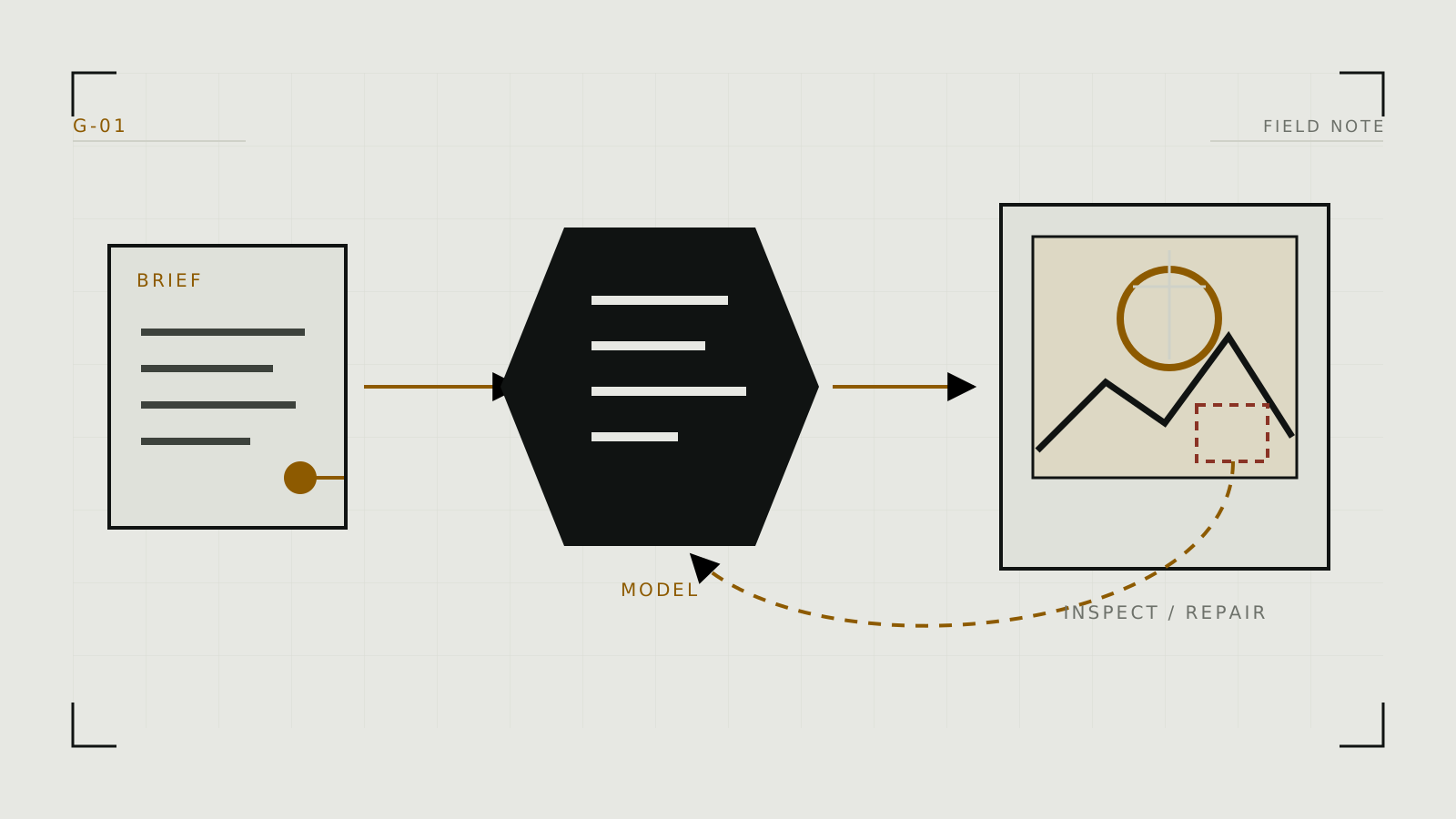
How to Generate Adult AI Images: A Practical Workflow
A tool-neutral workflow for moving from a clear idea to a controlled result, then fixing the parts that need correction.
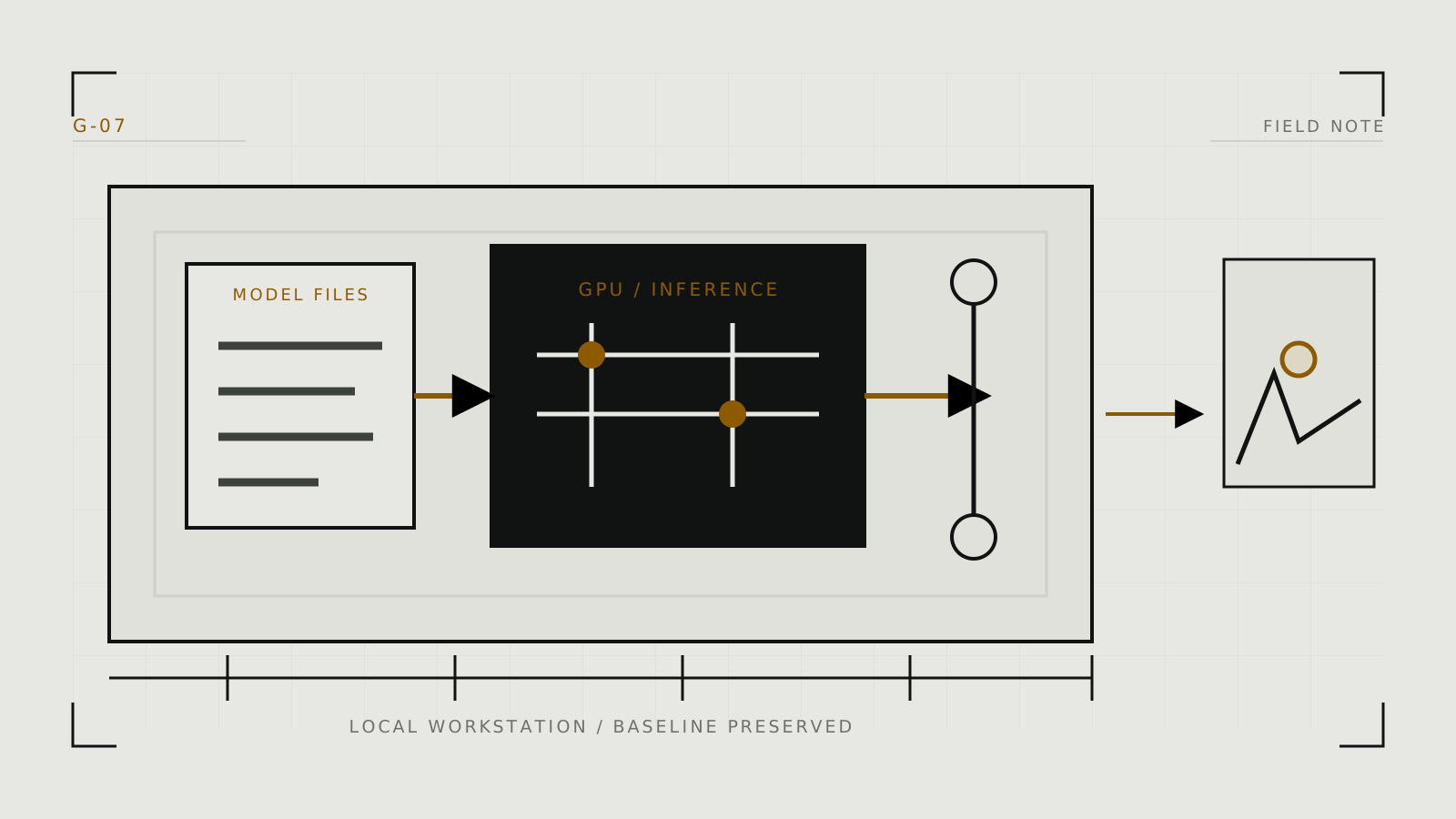
How to Run Adult AI Image Generation Locally
Plan a maintainable first local setup, install one interface, add a compatible model safely, and prove the pipeline before expanding it.
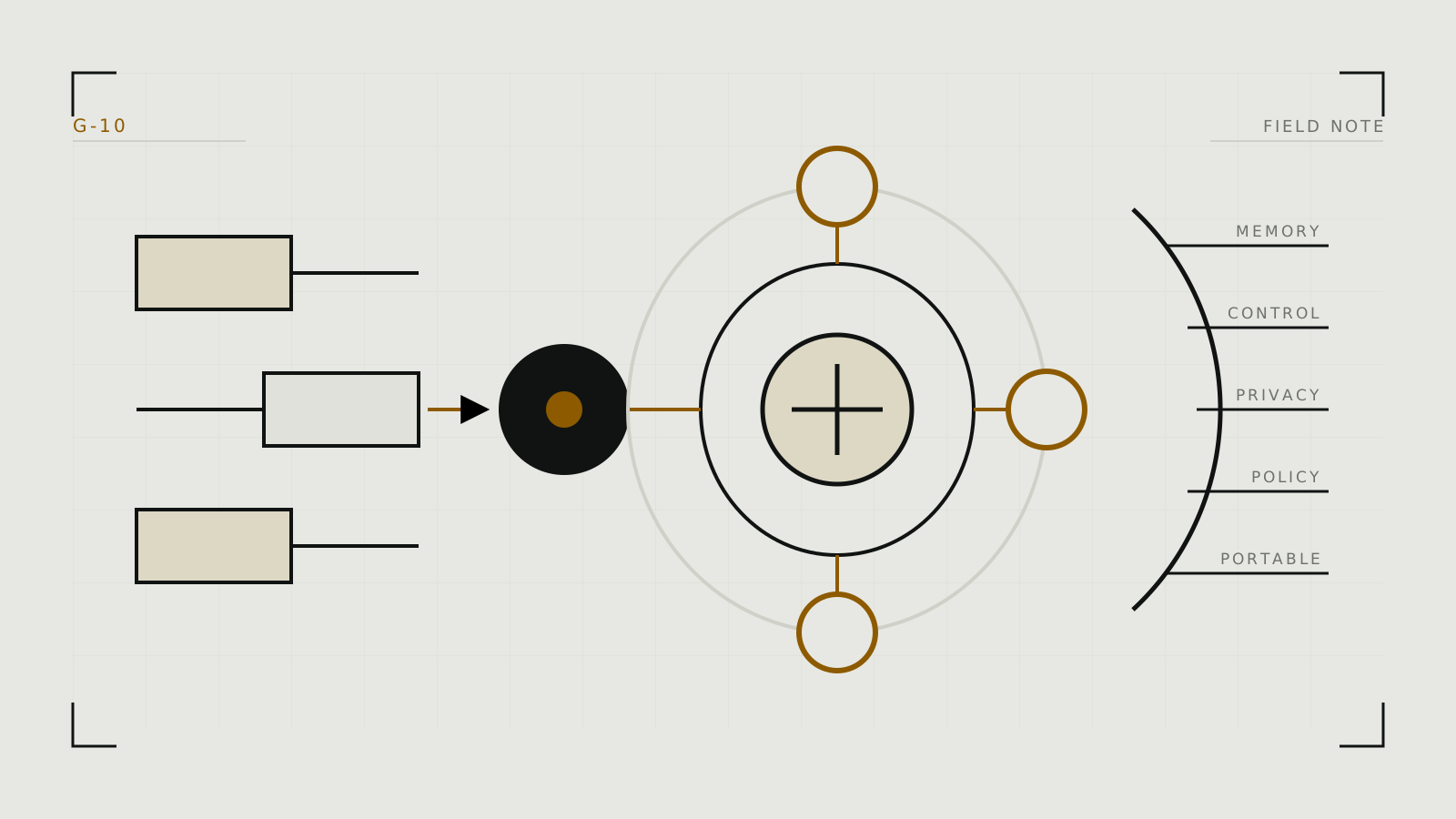
How to Choose an AI Companion
Choose by the relationship and workflow you want, then test memory, character control, privacy, policy, and portability with the same short scenario.
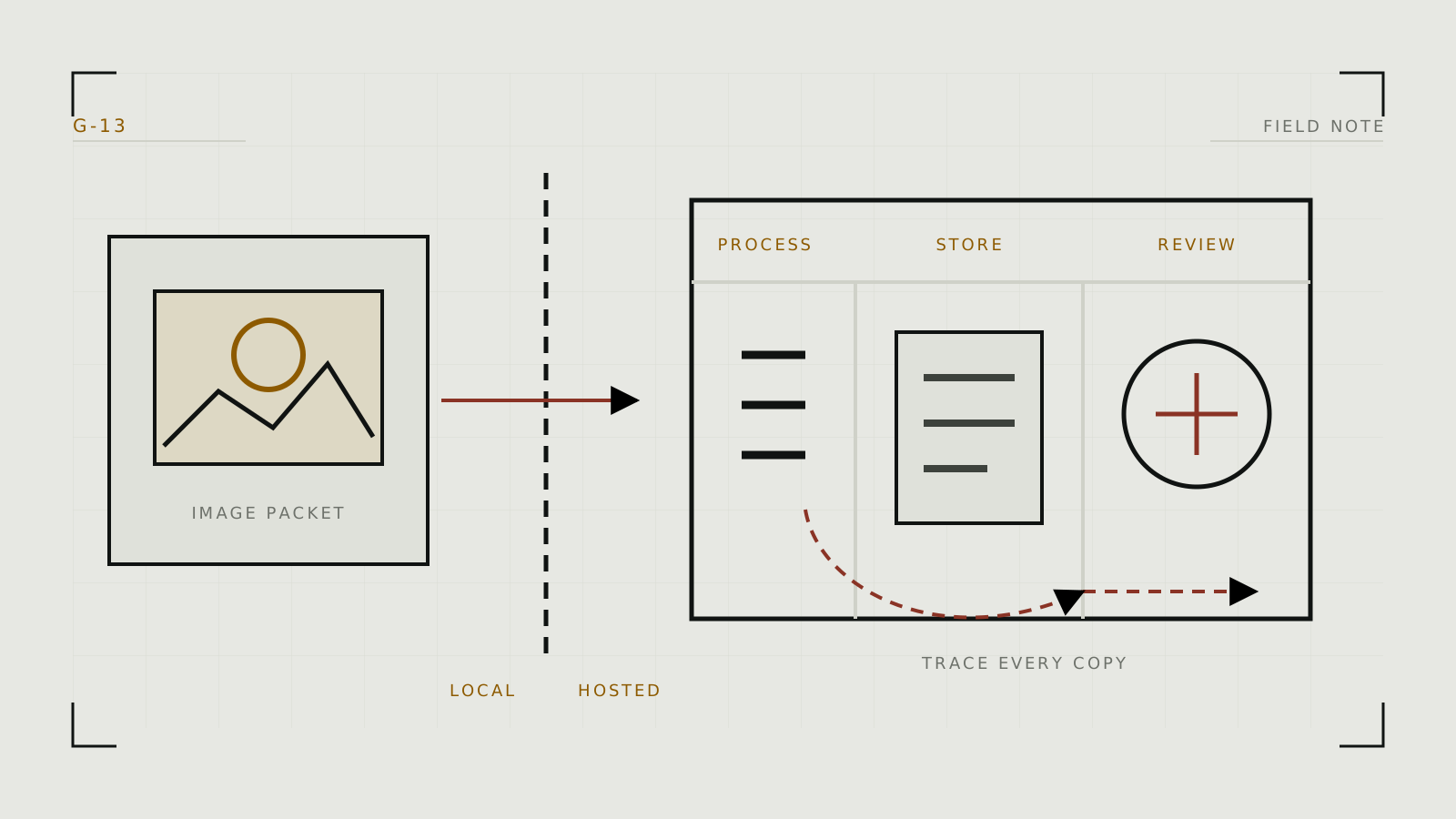
What Happens to Images You Upload to Adult AI Tools?
Trace an upload through collection, processing, storage, review, training, deletion, and sharing before trusting a sensitive image to a service.
All posts
Search by the task you are trying to complete.
How to Generate Adult AI Images: A Practical Workflow
A tool-neutral workflow for moving from a clear idea to a controlled result, then fixing the parts that need correction.
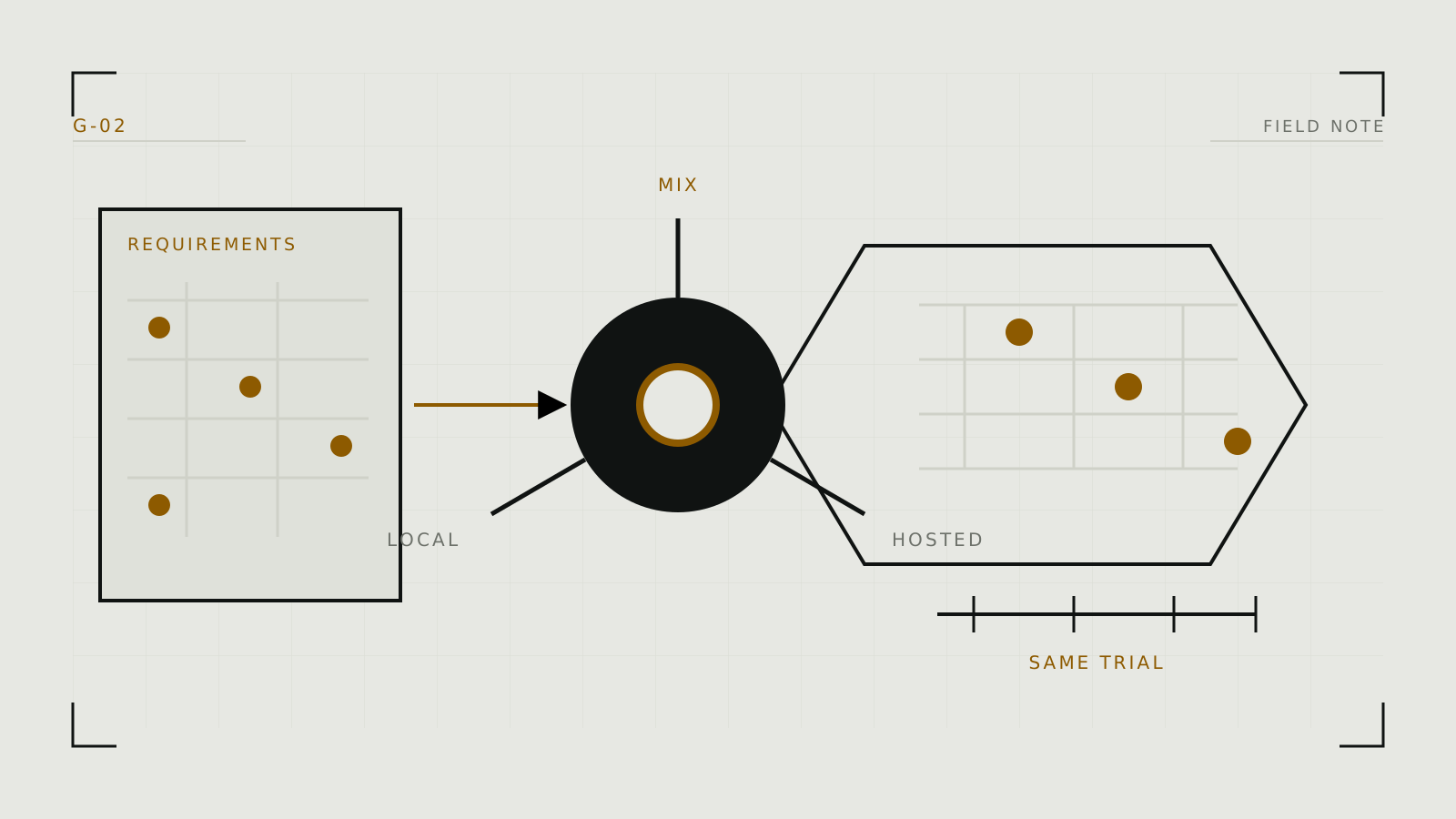
Read post →How to Choose an Adult AI Image Generator
A decision framework based on the work you need to do, the controls you need, and what you are willing to upload, not a list of winners.
 Read post →
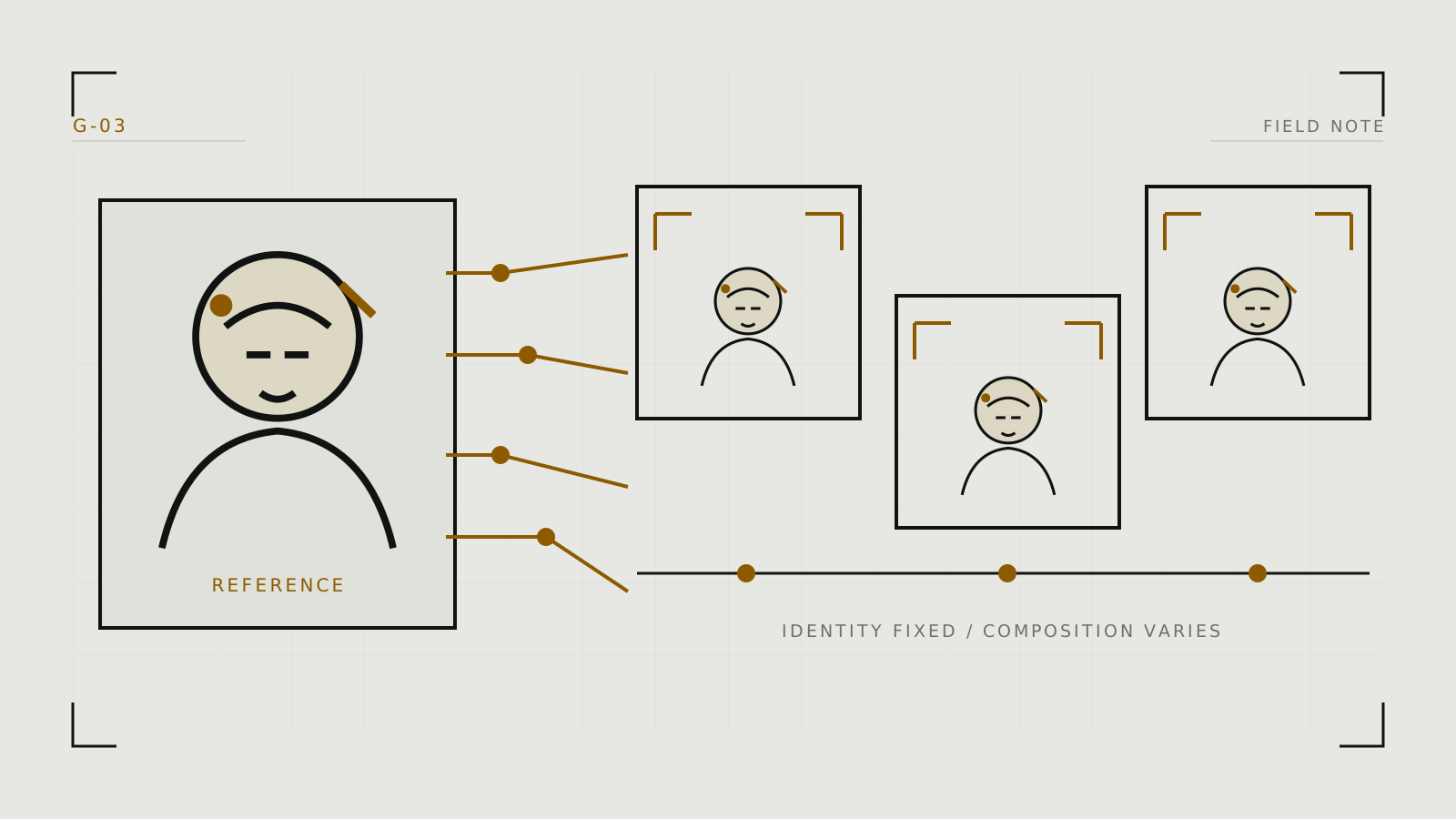
How to Keep an AI Character Consistent Across Images
Use the lightest method that solves the problem: a stable visual brief first, then seeds, references, adapters, or training when the series demands it.
 Read post →
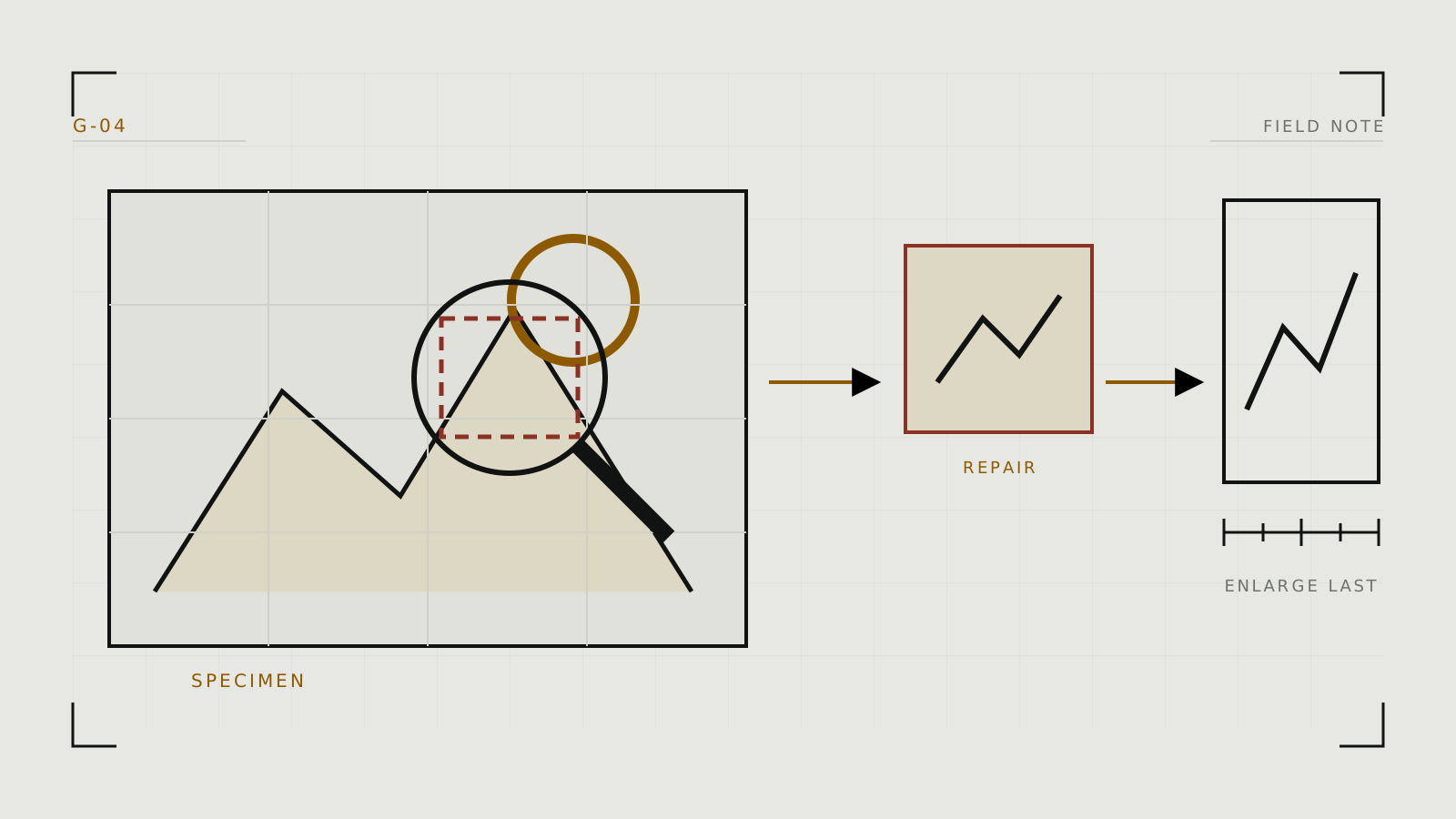
How to Improve AI Image Quality Without Randomly Changing Settings
Diagnose the failure first, preserve what already works, and make the smallest change that can plausibly fix it.
 Read post →
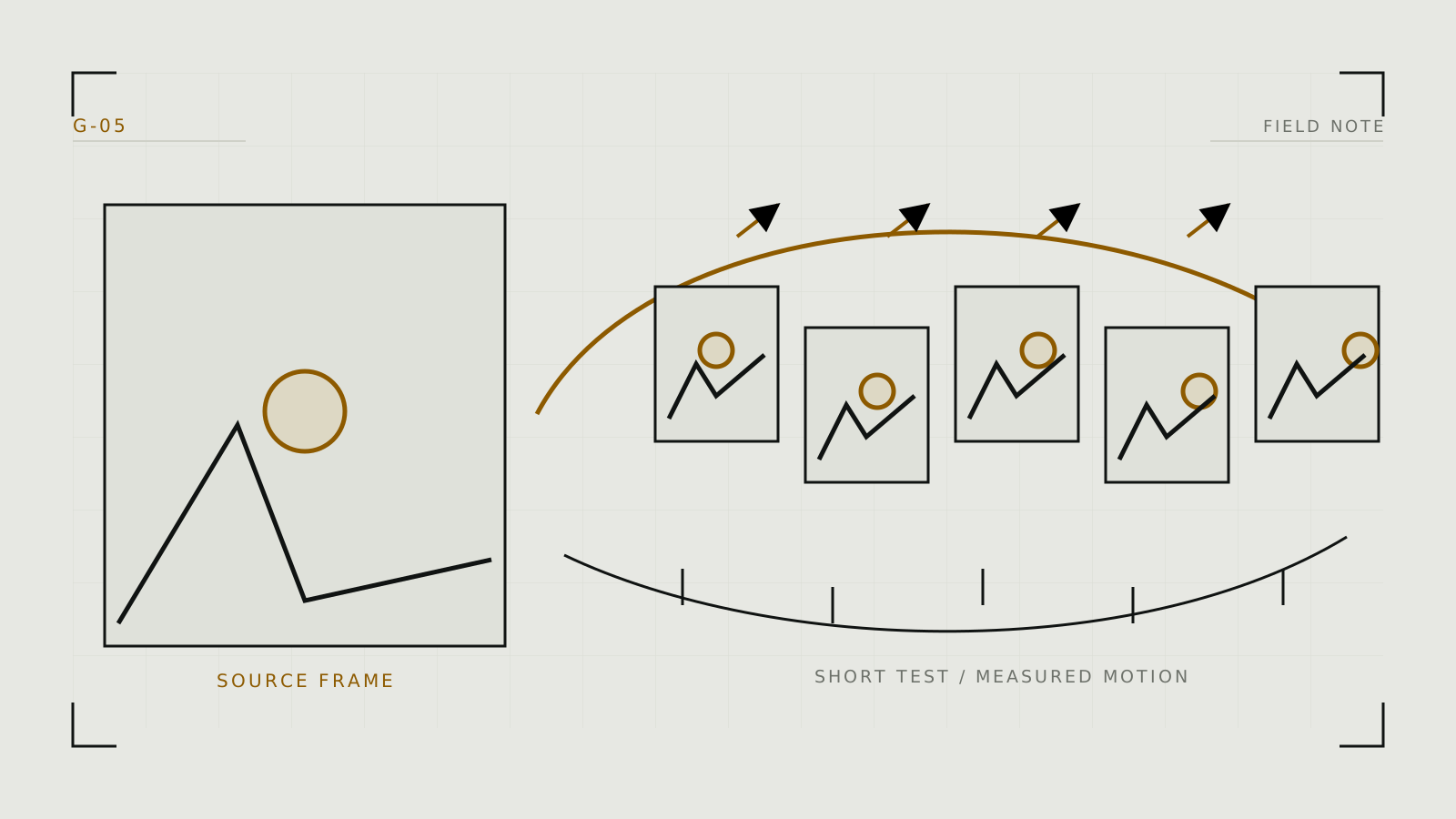
How to Turn an AI Image Into Video
Prepare a strong source frame, describe motion rather than re-describing the picture, and iterate in short controlled shots.
 Read post →
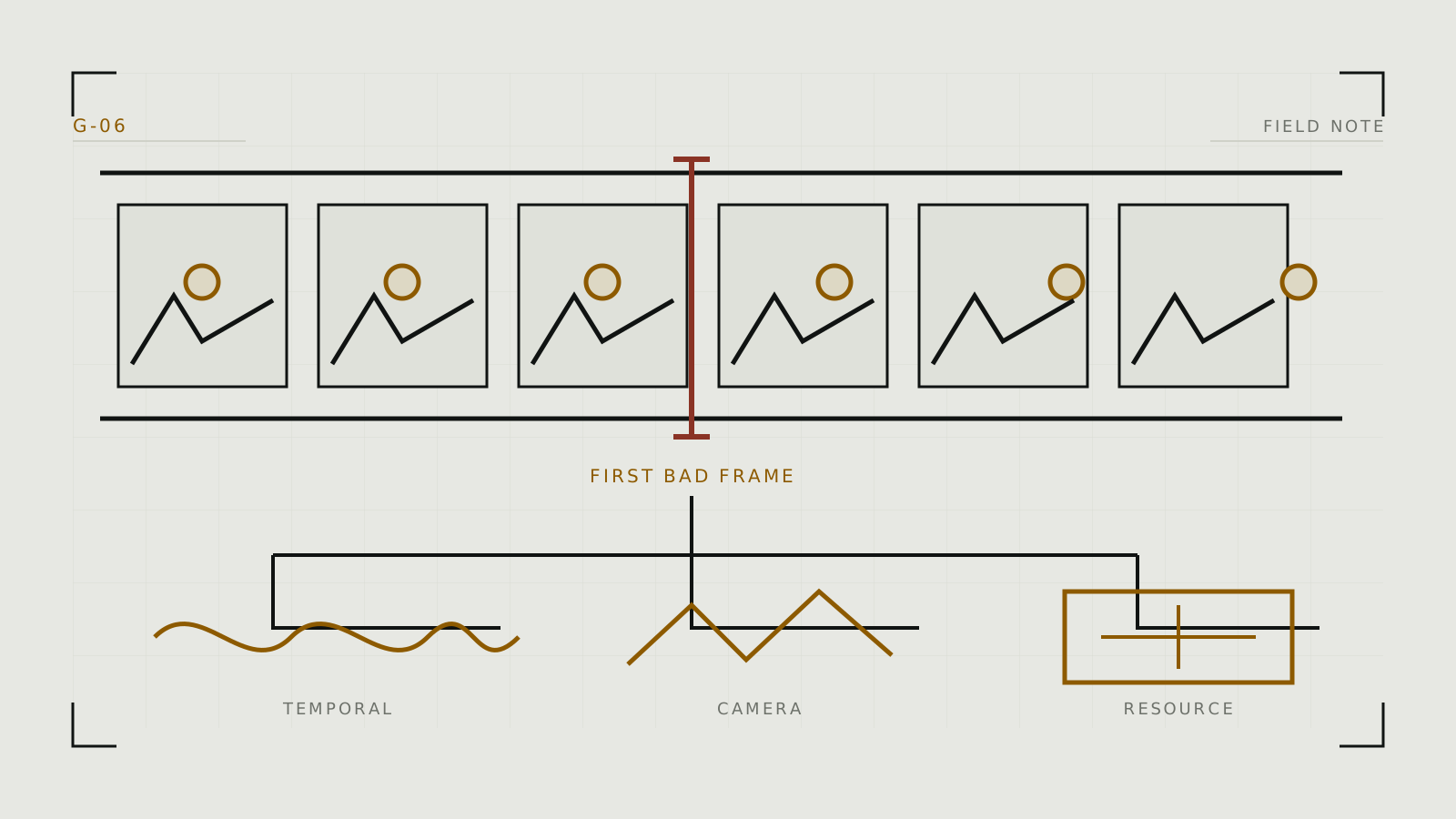
How to Diagnose Common AI Video Problems
Find the first point of failure (source frame, motion request, temporal drift, camera behavior, or extension) and fix that stage only.
 Read post →
How to Run Adult AI Image Generation Locally
Plan a maintainable first local setup, install one interface, add a compatible model safely, and prove the pipeline before expanding it.
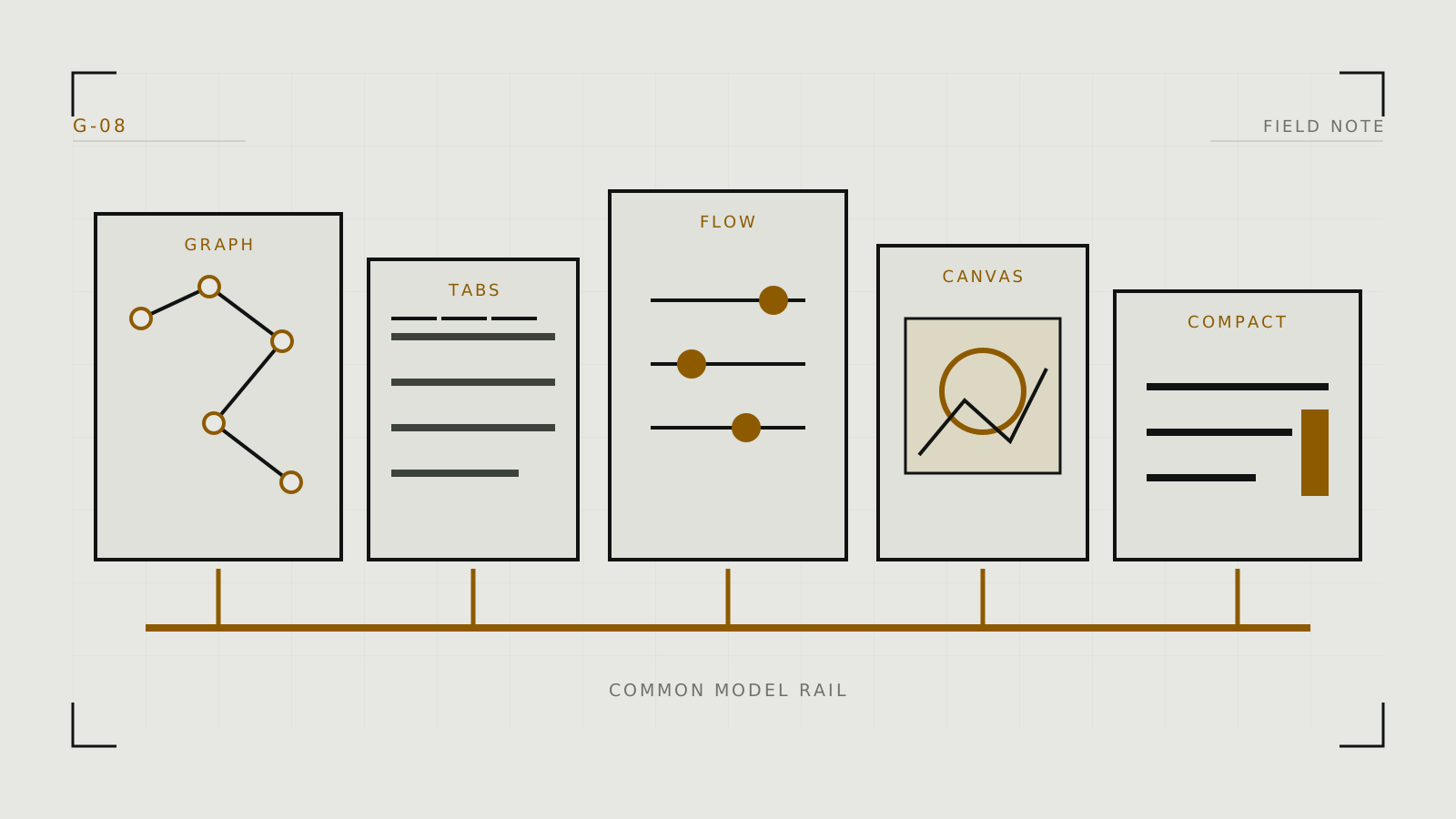
Read post →ComfyUI, AUTOMATIC1111, Forge, Fooocus or InvokeAI: Choosing a Local Interface
Match the interface to how you think and work: graphs, tabs, automation, a managed canvas, or lower-memory model experimentation.
 Read post →
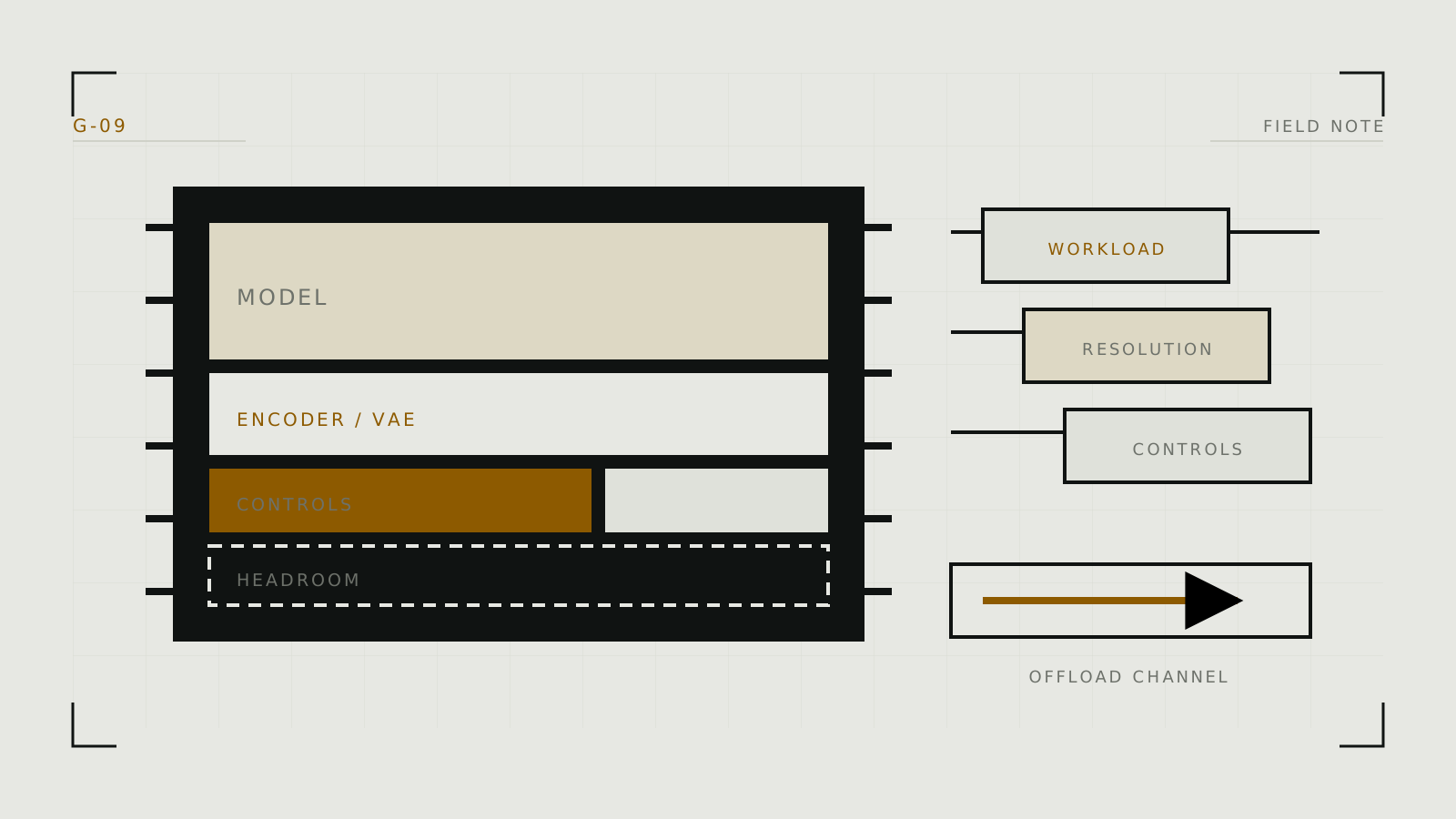
How Much VRAM Do You Need for Local AI Generation?
Estimate memory from a real workload, leave headroom, and test the exact model instead of trusting a universal GPU chart.
 Read post →
How to Choose an AI Companion
Choose by the relationship and workflow you want, then test memory, character control, privacy, policy, and portability with the same short scenario.
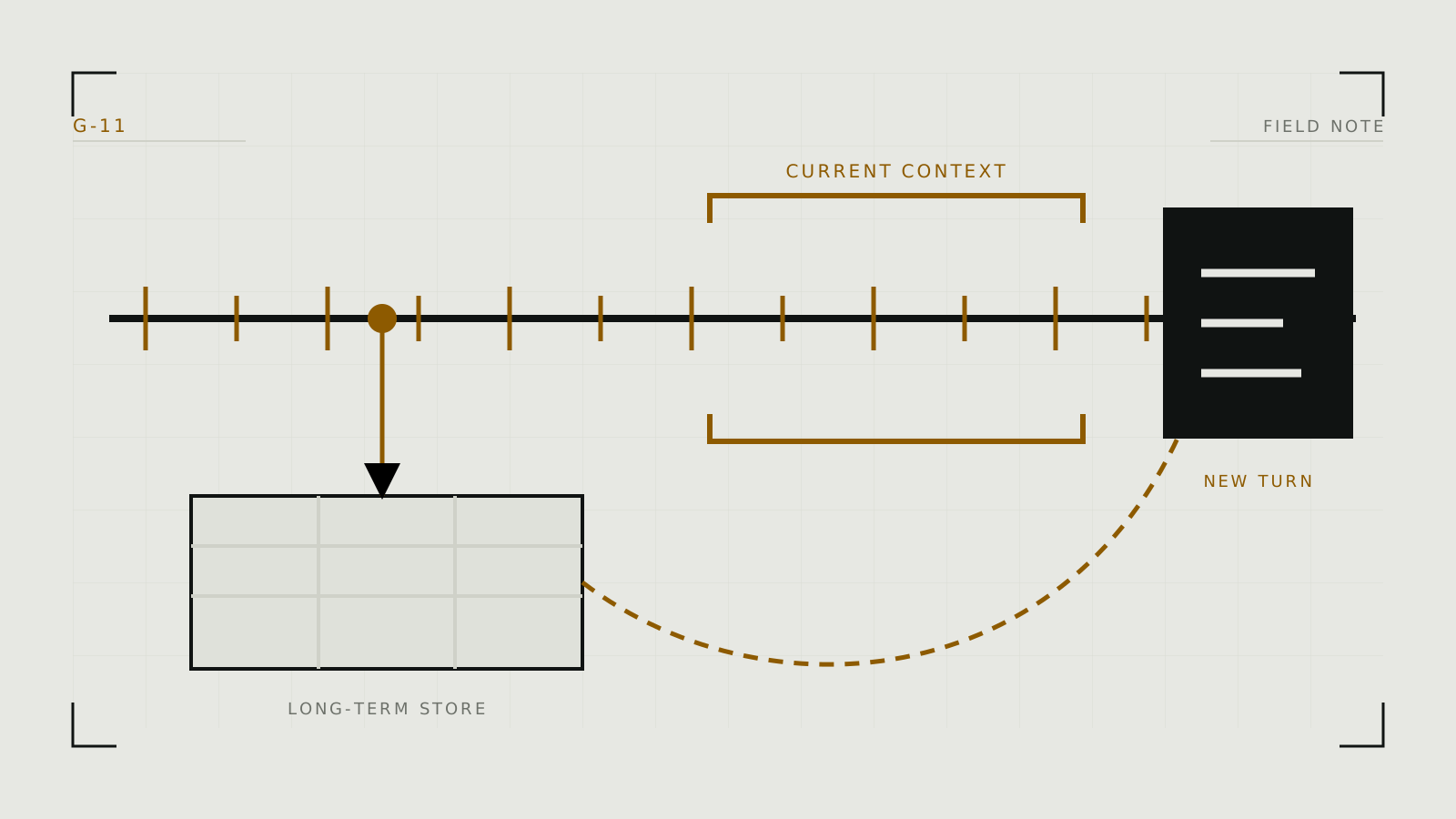
Read post →How Character Memory Works in Long AI Roleplay
Understand what the model can see on the current turn, what the app stores elsewhere, and how to keep continuity without bloating every prompt.
 Read post →
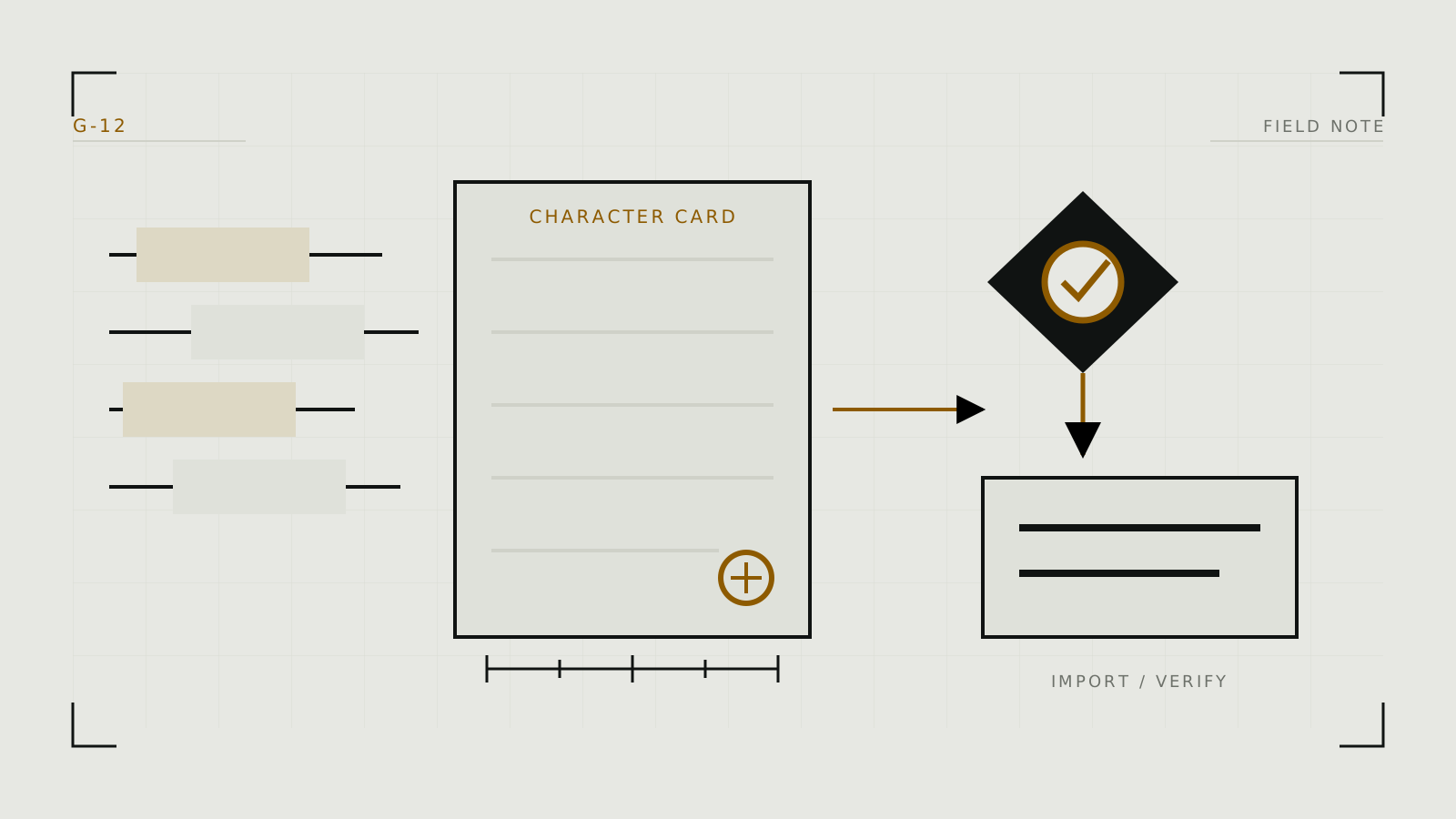
How to Write and Move AI Character Cards
Write a compact, testable character definition, then treat export and import as a compatibility check, not a promise of identical behavior.
 Read post →
What Happens to Images You Upload to Adult AI Tools?
Trace an upload through collection, processing, storage, review, training, deletion, and sharing before trusting a sensitive image to a service.
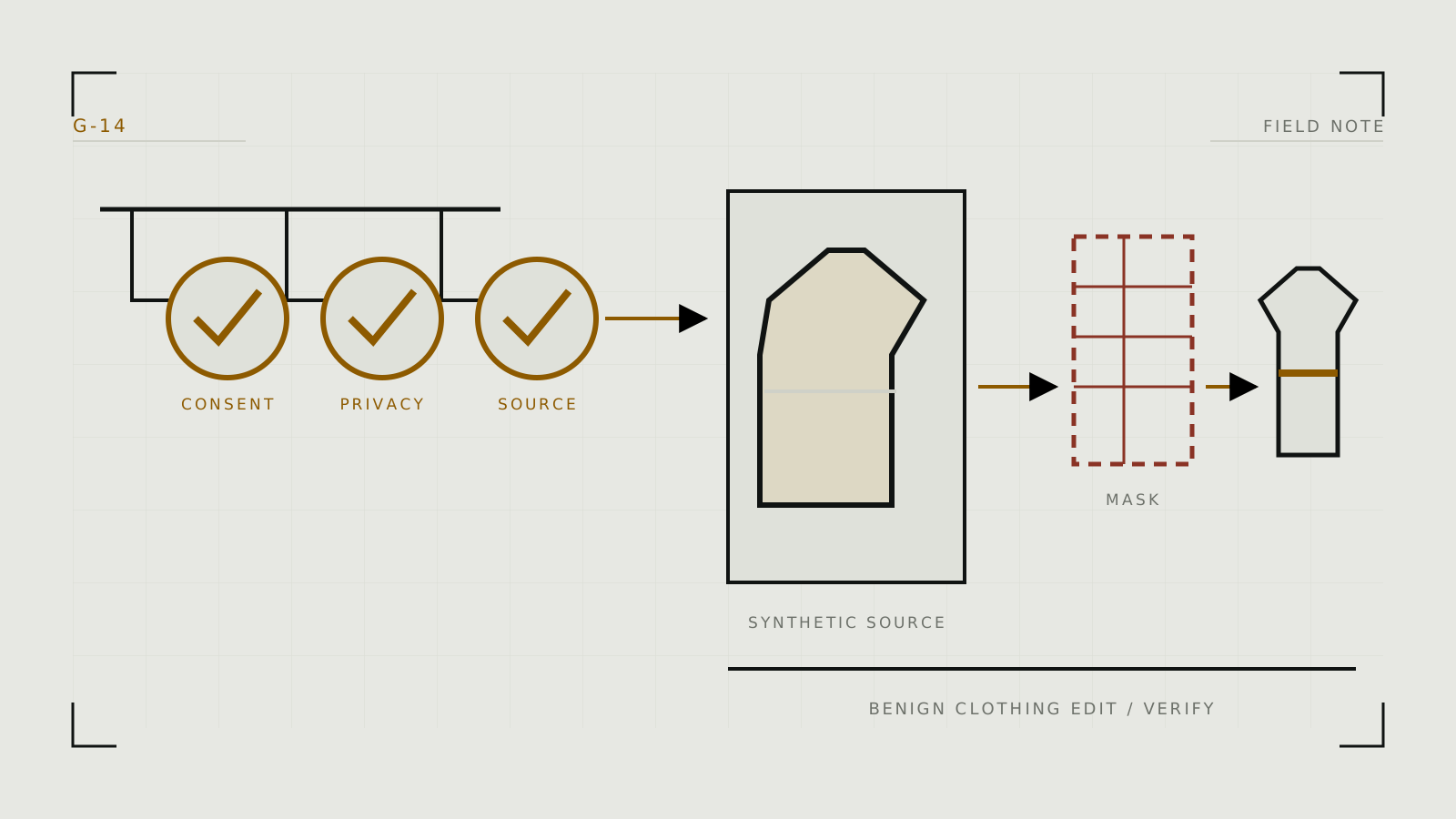
Read post →How to Evaluate AI Undress and Clothing-Removal Tools Safely
A consent-first rubric for understanding clothing-editing tools, testing them on synthetic adults, and assessing privacy, policy, and technical limitations.
 Read post →
No posts match your search.