
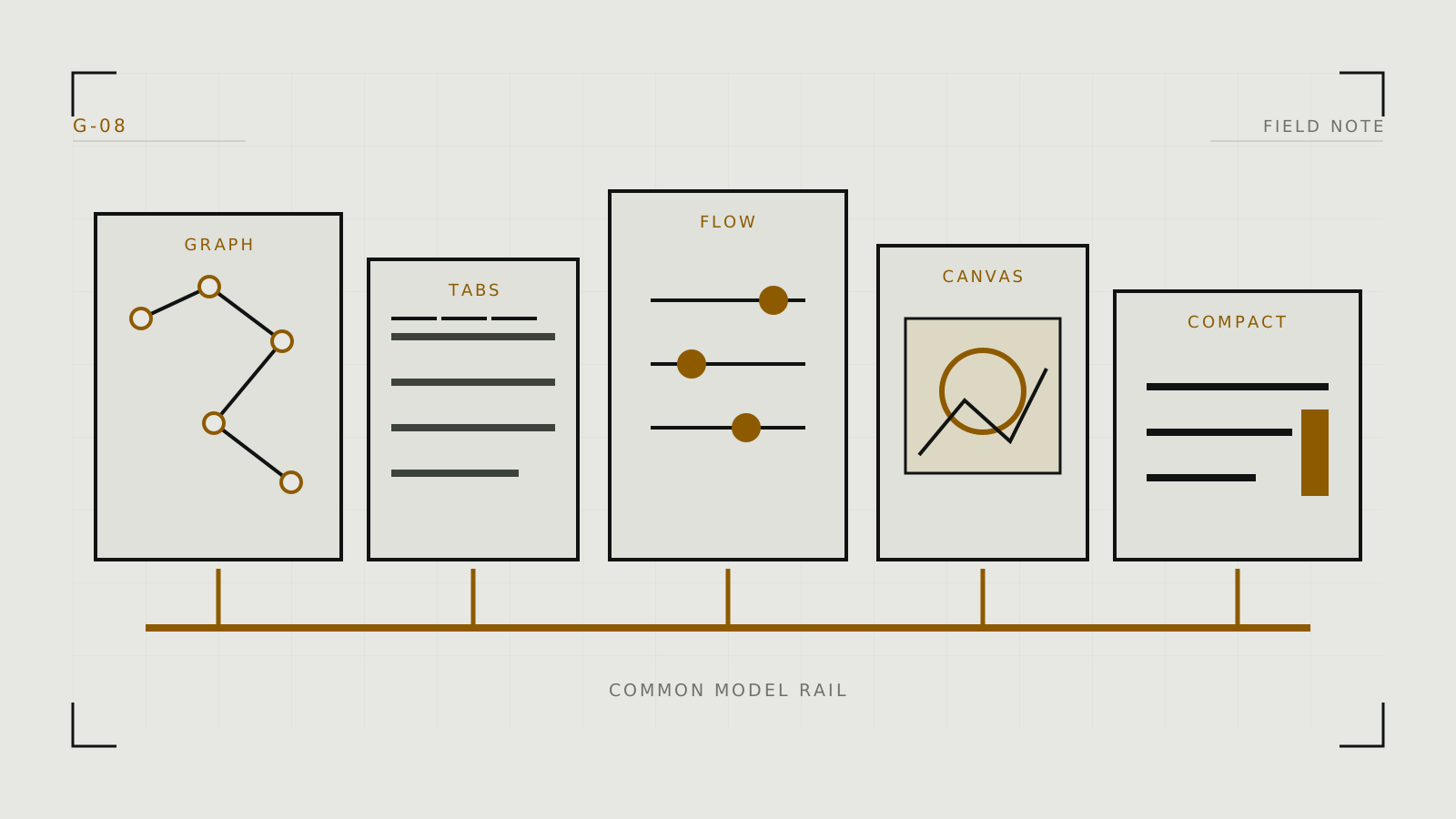
The five interfaces solve different problems
- ComfyUI: choose it when reusable graphs, explicit pipeline control, automation, or fast support for new image and video architectures matters more than a gentle learning curve.
- AUTOMATIC1111: choose it for a mature tabbed Stable Diffusion workflow with broad extension history and direct access to common generation controls.
- Forge: consider it when the A1111-style interface is familiar but memory management and support for newer or quantized model workflows are priorities.
- Fooocus: choose it when you want prompt-first image generation with many technical choices automated.
- InvokeAI: consider it for a managed model library and canvas-led generation/editing workflow.
These are workflow descriptions, not scores. Each project changes over time; confirm the current model and platform support in its official documentation.
Filter by recurring work
For a fixed text-to-image recipe, any of the five may work. Node graphs become valuable when a pipeline branches through several ControlNets, masks, upscalers, or video stages. A tabbed UI is faster when you repeatedly adjust a known set of fields. Automation is useful when you do not want to reason about samplers and resolutions on the first day. A canvas matters when selection and iterative editing dominate.
List the checkpoint families, ControlNet, IP-Adapter, inpainting, upscaling, LoRA, and video features you require. Then verify each must-have against current official documentation rather than a community screenshot.
Account for hardware and maintenance
No interface changes the size of the underlying weights, but memory managers and supported optimizations affect whether a workload fits and how quickly it runs. Forge documents controls for GPU weight and offload behavior. ComfyUI can execute only the changed portion of a graph and exposes low-VRAM strategies. AUTOMATIC1111 has command-line memory options. Exact results remain model- and system-dependent; use a measured VRAM test.
Extensions and custom nodes increase capability and maintenance risk. ComfyUI users often manage custom nodes; A1111/Forge users install extensions. Prefer a smaller reviewed set, record versions, and keep a known-good baseline without third-party add-ons.
Run a two-interface trial
- Shortlist two. Use workflow shape, model support, and operating system, not popularity.
- Use one compatible checkpoint. Point both to the same model directory only if documented.
- Recreate one ordinary task. Generate, revise, inpaint, and export an image.
- Measure friction. Note installation problems, VRAM failures, time to find controls, reproducibility, and how much third-party code was needed.
- Keep the simpler successful setup. A theoretical capability has little value if the daily workflow is fragile.
Do not judge exact pixel equality across interfaces; defaults and implementation details can differ. Judge whether each can produce and preserve the intended workflow.
Migration and next steps
Keep original models, prompts, seeds, and source images separate from interface-specific presets. Generation metadata is useful, but a workflow from one interface is not necessarily portable to another. Rebuild a minimal baseline first, then migrate LoRAs, VAEs, upscalers, and extensions in stages.
Once chosen, use the local setup guide for safe model sourcing and baseline testing, then the practical image workflow for controlled iteration.
Technical context
Interfaces differ in presentation, but each must assemble documented model components into a valid pipeline.