
Define the first local workload
Local generation is not one fixed hardware target. Write down the model family, intended image dimensions, batch size, and whether you need video, training, or only still-image inference. Check available VRAM, system RAM, free storage, operating system, and supported GPU backend. Use the VRAM estimation guide before downloading a very large model.
Start with still-image inference and one model family. Training, high-resolution batches, and local video can require substantially more memory and storage.
Choose one interface and use its official installer
Fooocus favors a simpler prompt-first experience. AUTOMATIC1111 provides a familiar tabbed Stable Diffusion interface. Forge retains that general shape while emphasizing resource management and newer model support. ComfyUI exposes the pipeline as a reusable node graph, while InvokeAI emphasizes a managed canvas and model workflow. The local-interface guide compares the trade-offs.
Follow the project's current official installation instructions. Do not mix commands from old videos or unofficial bundles. Bind any browser interface to localhost unless you deliberately configure authentication and network controls; a local web UI is still a service.
Add model files deliberately
- Choose a base family. A checkpoint, LoRA, ControlNet, and VAE are not interchangeable. Confirm compatibility with the base model.
- Use a reputable source. Hugging Face and Civitai expose model pages and file metadata, but uploads are still third-party artifacts.
- Prefer safer weight formats. Safetensors is designed to store tensors without pickle's arbitrary-code behavior. It does not guarantee that a model is accurate, licensed appropriately, or free of harmful output.
- Verify documentation. Read the model card for license, trigger words, recommended resolution, VAE, and base family.
- Place files by type. Follow the interface's documented directory layout instead of dropping every file into the checkpoint folder.
Prove a clean baseline
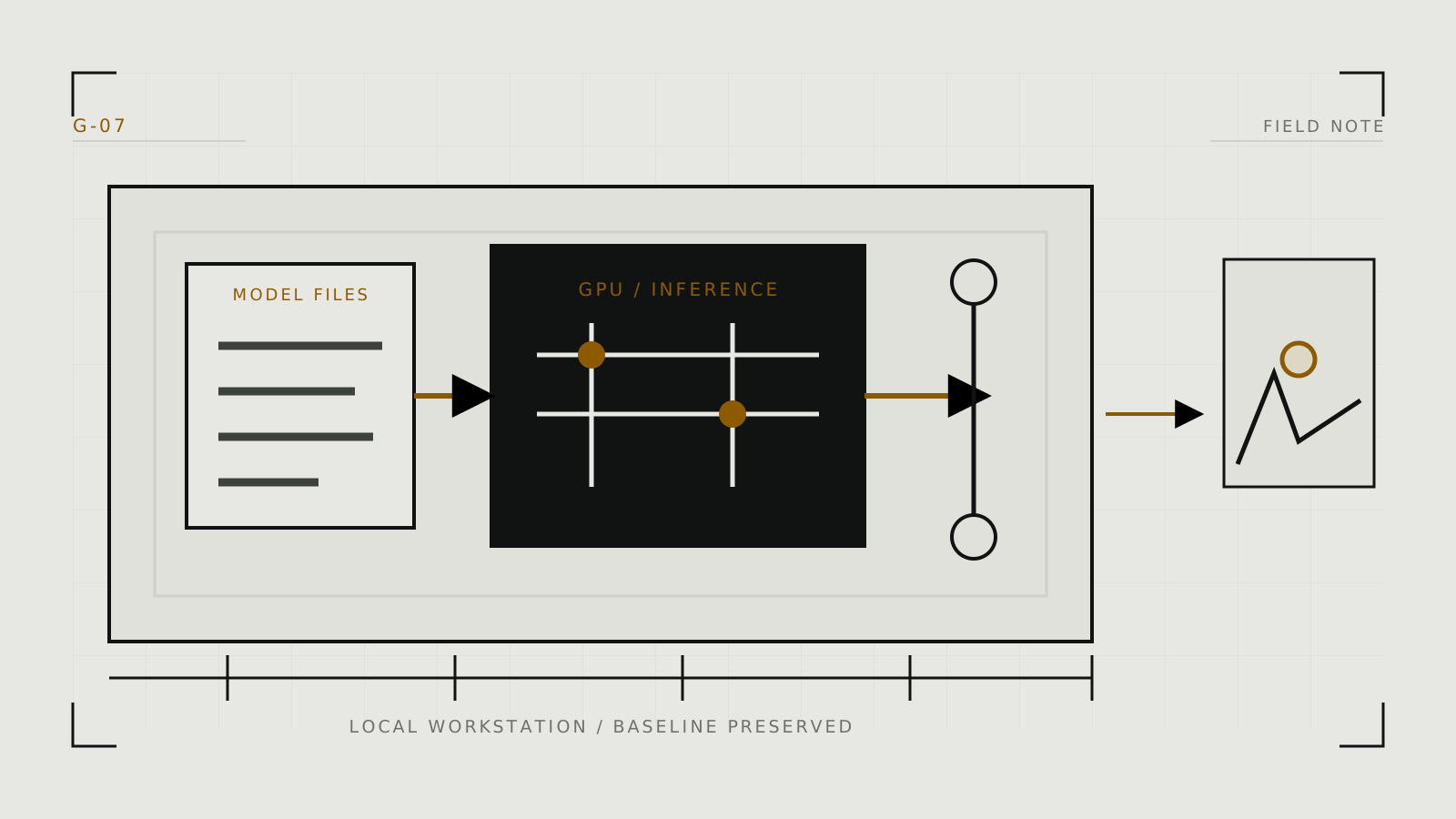
Launch the interface, load only the base checkpoint and required VAE, and use a simple non-sensitive test prompt. Generate at the model's normal resolution with a batch size of one. Record the model filename and hash if available, seed, dimensions, sampler, scheduler, steps, and guidance. This baseline distinguishes an installation problem from a later LoRA, extension, or workflow problem.
If generation fails, read the terminal or application log. An out-of-memory error, missing model component, incompatible architecture, and bad custom node require different fixes. Do not install several extensions in response to one unexplained error.
Expand without making the setup fragile
Add one component at a time and retest the baseline. Keep models in a shared directory only when the interfaces officially support external paths. Snapshot known-good ComfyUI workflows, record extension versions, and back up configuration rather than multi-gigabyte model files that can be redownloaded.
Local processing keeps ordinary prompts and inputs on the machine only when the workflow has no cloud API nodes, telemetry, remote model calls, public sharing, or synced folders. Review custom nodes and extensions as executable software. Sensitive source images still require consent, access control, secure deletion, and careful output handling.
Technical context
Identify the architecture, encoders, VAE, precision and loader the selected family requires before choosing files.