
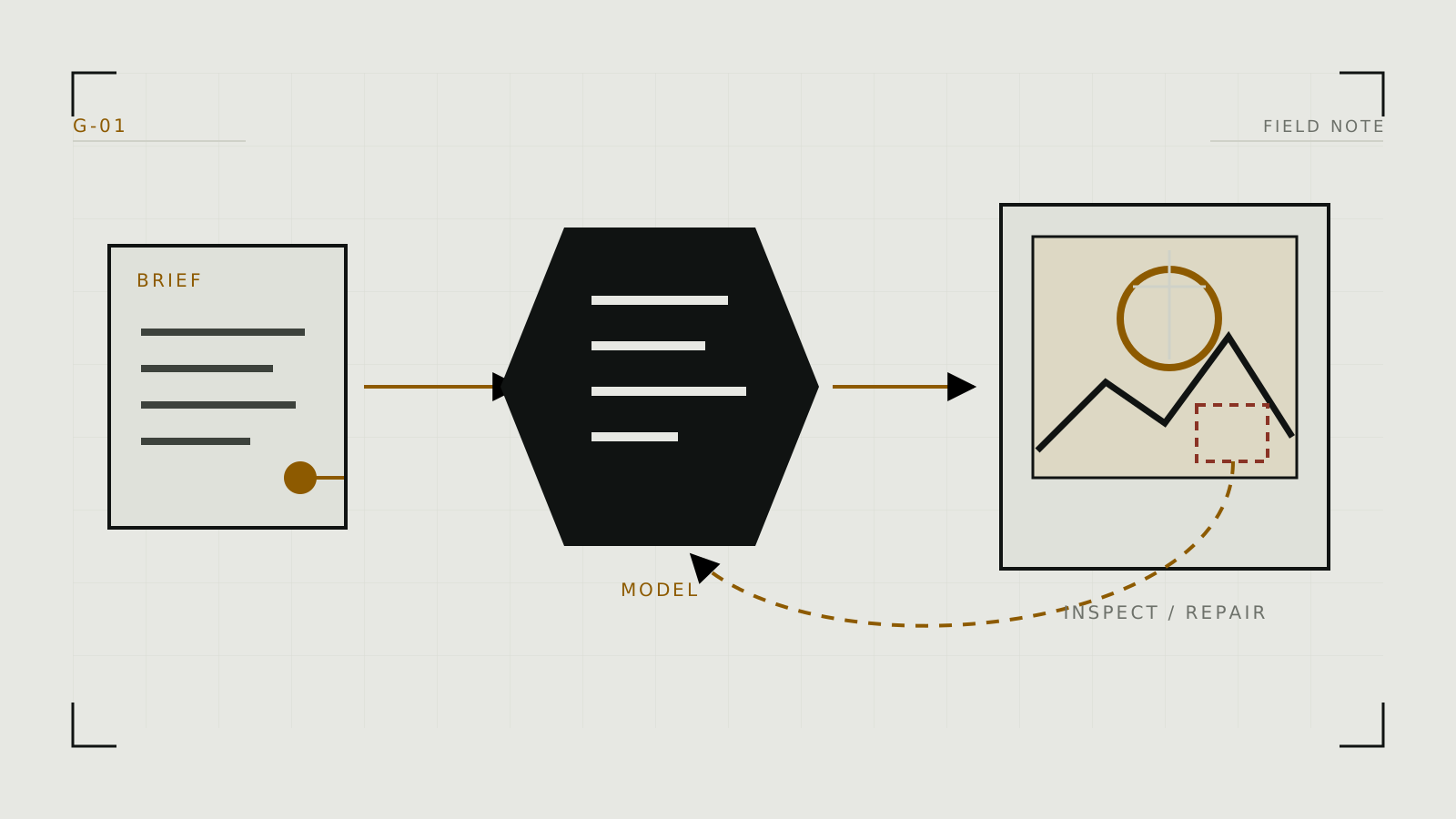
Start with the workflow, not a giant prompt
Decide whether you need a new scene, an edit, or a recurring character. A new composition begins with text-to-image. A supplied picture points toward image-to-image; a small repair is usually inpainting. Those are different jobs, and forcing all three through text-to-image wastes time.
Hosted services such as NovelAI, SoulGen, and Promptchan package the model and controls. Local interfaces such as Fooocus and ComfyUI expose more of the pipeline. If that choice is unresolved, use the image-generator decision guide first.
Build a controlled first pass
- Pick a compatible model. A checkpoint defines much of the visual vocabulary. Use its official model card or platform notes instead of assuming one prompt works everywhere.
- Describe the visible scene. Put subject, action, framing, environment, lighting, and style in a sensible order. Prefer concrete visual details over long quality incantations.
- Begin at the model's normal resolution. Starting unnecessarily large increases memory use and can make composition less stable.
- Generate a small batch. Compare a few candidates while holding the prompt and settings still.
- Save the recipe. Keep the model, prompt, dimensions, seed, sampler, step count, and guidance setting with the image.
A negative prompt is useful for a few recurring failures, but it is not a universal repair list. Likewise, more inference steps or higher guidance is not automatically better.
Iterate one variable at a time
Once a composition is promising, lock its seed and change one thing: prompt wording, seed, guidance, steps, or model add-on. If you change everything together, you cannot tell what helped. Use low-strength image-to-image when the structure is good but the rendering needs a new pass. Use inpainting when only a hand, face, garment edge, or background object is wrong.
Reroll to discover a composition. Lock the seed to refine it. Mask the problem to repair it.
Only upscale after the content works. Hires fix performs a model-led second pass; a conventional upscaler mainly adds pixels and reconstructed detail. Neither reliably repairs a bad pose or confused anatomy.
Common mistakes and better corrections
- The prompt keeps growing. Remove contradictory or invisible instructions and test the important nouns first.
- Every result changes at once. Record a seed and change one control.
- The model fights the concept. Try a better-matched checkpoint before adding more prompt weight.
- Only one area is wrong. Inpaint it instead of discarding the whole image.
- Identity drifts across a series. Move to the staged methods in the character-consistency guide.
- Higher settings look harsher. Return to the model's recommended range; excessive guidance or steps can reduce quality.
Consent, privacy and output handling
Use synthetic adults, your own likeness, or adults who explicitly agreed to the intended transformation and sharing. A source photo is not proof of permission. For any identifiable person, read likeness consent before using a reference image.
With hosted generation, assume an upload leaves your device unless the service clearly documents otherwise. Check retention, training use, human review, deletion, and sharing before uploading sensitive media; the upload-privacy guide provides a checklist. Keep originals and project files private, remove unnecessary metadata before sharing, and label synthetic media where context could mislead viewers.
Technical context
The pipeline dossier identifies which settings belong to the denoiser, scheduler, VAE and conditioning stages.