
Write the job down first
Start with the output, not the brand. Do you need one-off text-to-image results, a recurring synthetic character, precise inpainting, reference-led editing, or image-to-video later? Does the work require photorealistic output, illustration, or both? A tool that is pleasant for casual prompting may be a poor fit for a controlled series.
Turn those needs into three columns: must have, useful, and irrelevant. Include resolution, batch controls, seed reuse, reference images, model choice, exports, deletion controls, and whether a public gallery is optional or automatic.
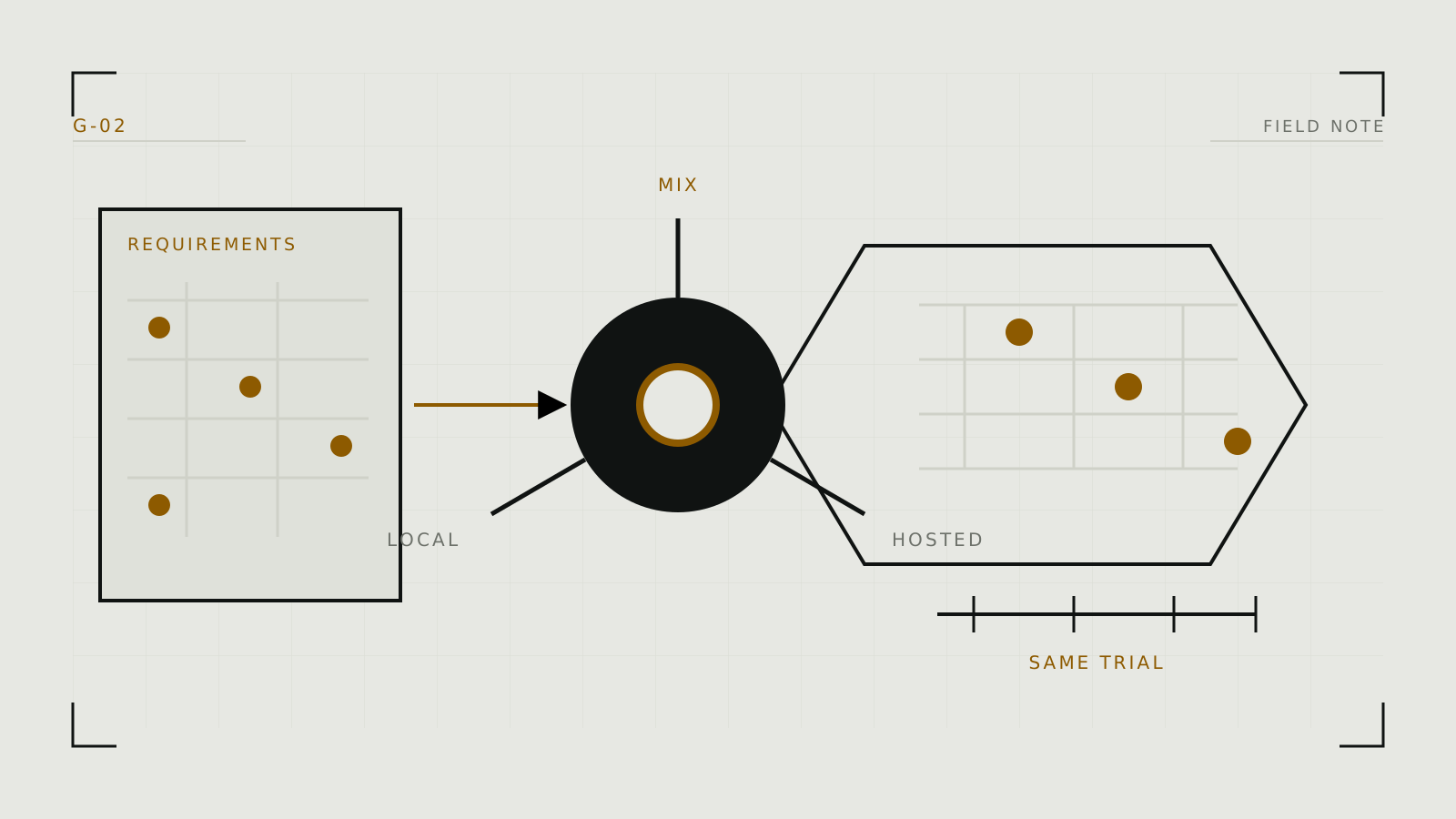
Choose hosted, local, or a deliberate mix
Hosted generation removes installation and hardware work. Platforms such as NovelAI, SoulGen, and Promptchan package models behind their own interfaces, policies, queues, and credit systems. Confirm current capabilities on each profile and official documentation; a platform can change its underlying model without changing its name.
Local generation with ComfyUI or Forge offers more model and file control, but you maintain the software, download model files, and supply the GPU. Local is not automatically private if the workflow calls cloud APIs, syncs outputs, or installs untrusted extensions.
Compare the controls that affect your work
- Model transparency: Can you identify the base model or only choose a style label?
- Reproducibility: Can you recover a seed and generation settings?
- Editing: Is there mask-based inpainting, or only full-image transformation?
- Consistency: Does it support reusable characters, image conditioning, or compatible LoRAs?
- Portability: Can you export full-resolution media and useful metadata?
- Cost shape: Count failed attempts, premium modes, queue priority, and video or upscale credits, not only the advertised subscription.
Do not assume that a longer feature list means more control. A focused interface like Fooocus deliberately automates decisions that a node workflow exposes.
Read policy and privacy as product features
An adult-facing label does not define every allowed subject or output. Read current rules for fictional sexual content, real-person likenesses, public posting, and account enforcement. Content moderation may differ between generation, sharing, mobile apps, and APIs.
For uploads, look for specific statements on storage, training, human review, subcontractors, deletion, and the license granted over input and output. If those answers are missing, treat that uncertainty as a real cost. Use the image-upload privacy checklist before supplying sensitive material.
Run a small, fair trial
- Create three test briefs. Use one simple scene, one difficult pose or composition, and one edit.
- Hold the intent constant. Adapt syntax to the platform, but ask for the same visible result.
- Record friction. Count attempts, time, credits, blocked prompts, and steps needed to repair a result.
- Check exports. Download the actual file and inspect resolution, watermarking, metadata, and project portability.
- Choose for the recurring job. A spectacular lucky image matters less than a workflow you can repeat.
Once selected, follow the practical generation workflow. If local control wins, continue to choosing a local interface.