

Overview
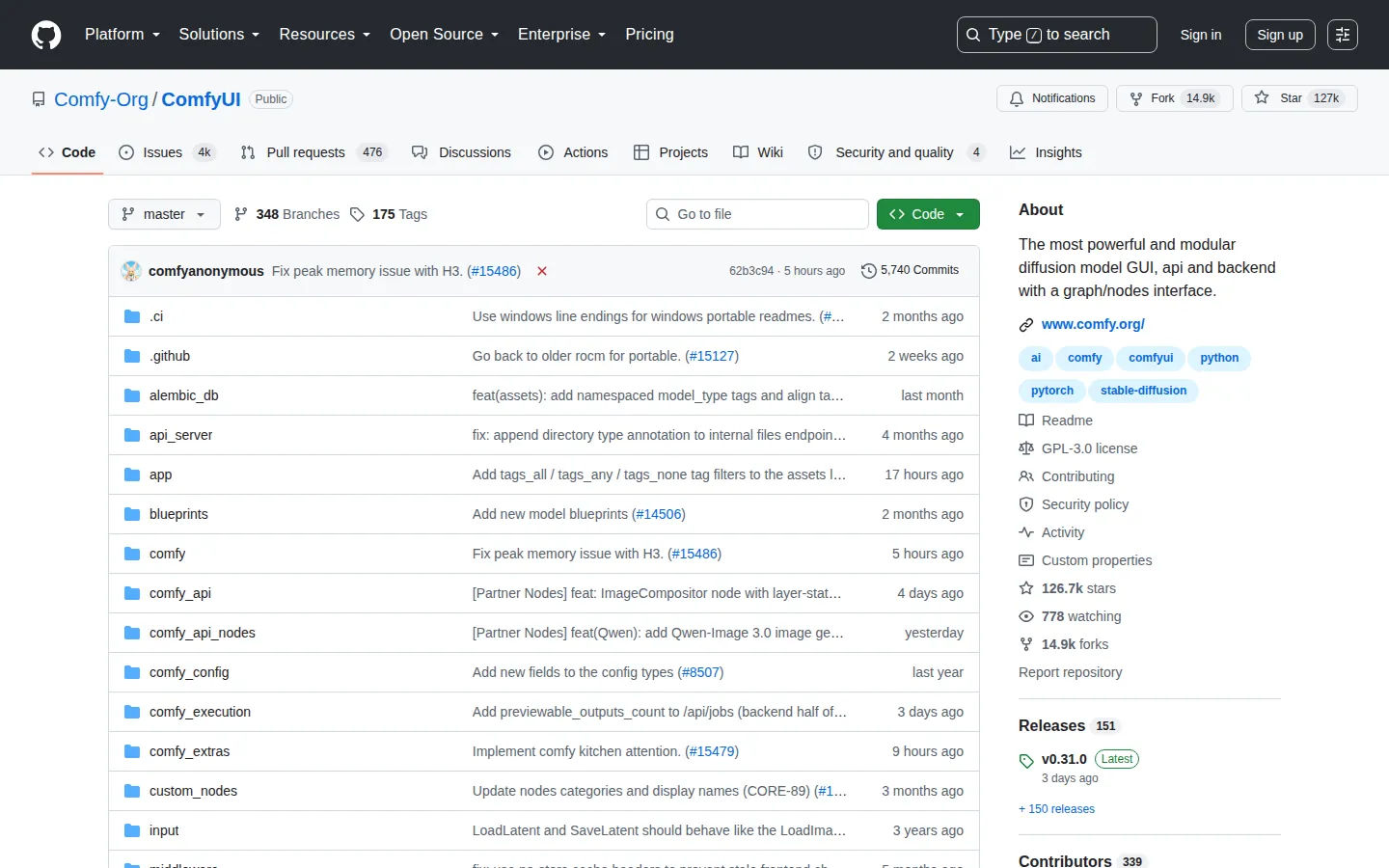
ComfyUI is a local, open-source engine and graphical interface for running diffusion models and related generative pipelines. Rather than a fixed set of tabs, the interface is a node graph: users connect individual building blocks (a checkpoint loader, a text encoder, a sampler, a VAE decoder, an upscaler) into a custom pipeline visible as a flowchart on screen. It was created by the pseudonymous developer comfyanonymous and first released in January 2023; the project is now developed and maintained by a group of contributors under the Comfy Org banner.
Installation and access
ComfyUI ships several ways to get running: an official desktop application for Windows and macOS, a portable standalone Windows build, and manual installation from source on Windows, Linux, and macOS (including dedicated support for Apple Silicon). Manual installs currently recommend Python 3.12 and a reasonably recent PyTorch release. There is no hosted version. Everything runs on the user's own hardware unless they explicitly opt into the paid cloud API nodes for specific external models.
Interface and workflow
The core interaction is building and running a node graph on a zoomable canvas. Only the portion of the graph needed to produce the requested output executes, and ComfyUI caches unchanged sections of a graph between runs so re-generating with a single changed parameter doesn't re-run the whole pipeline. Every workflow can be exported and re-imported as a JSON file, and the generation parameters used to create an image are embedded in the output file itself, so dragging a previously generated image back into the canvas can reconstruct the workflow that made it.
Model and format compatibility
ComfyUI supports the broadest set of model families among the tools covered here: Stable Diffusion 1.5, SDXL, and SD3.5, Flux.1 and Flux.2, and other image models, alongside dedicated video models (Wan, LTX-Video, HunyuanVideo, CogVideoX), audio models, and 3D/vision tools. Rather than requiring a single bundled checkpoint, it can load complete checkpoints or separate diffusion models, VAEs, text encoders, LoRAs, ControlNets, and upscalers as independent, swappable components, typically distributed as safetensors files.
Extension and custom-node ecosystem
ComfyUI's functionality is heavily extended through community-built custom nodes, most commonly installed and updated through the built-in ComfyUI-Manager tool. This ecosystem is a major part of how the software keeps pace with new model releases: support for a newly released architecture often appears first as a custom node before (or instead of) being folded into core.
Hardware requirements and performance
ComfyUI runs on NVIDIA GPUs as well as AMD (via ROCm), Intel Arc, and Apple Silicon hardware, with additional support for several specialized accelerators. It includes memory-management logic aimed at fitting large models onto lower-VRAM cards by offloading parts of the pipeline, and can fall back to CPU-only execution, though this is substantially slower than GPU inference. Exact VRAM needs vary widely by model: a base SD 1.5 workflow has very different requirements than a Flux or video-generation workflow.
Community and ecosystem
ComfyUI has one of the more active development cadences of the tools in this category, with the project describing roughly biweekly stable releases. It has a large community sharing workflows, custom nodes, and example graphs, and is commonly used with checkpoints and LoRAs sourced from model-sharing sites such as Civitai and Hugging Face.
Content moderation posture
ComfyUI itself ships with no content filter or moderation layer. It runs fully offline by default and does not phone home unless a workflow explicitly calls a network-connected node (such as a paid API node). Whatever content restrictions exist in a given setup come entirely from the model checkpoint loaded and how the user configures the workflow, not from the software.
Notable features
Reproducible, shareable workflows as JSON with embedded generation metadata; smart partial re-execution that skips unchanged graph sections; a local API for scripting and pipeline automation; and support for multimodal pipelines that chain image, video, and audio generation in a single graph.
Limitations
The node-graph paradigm has a real learning curve compared with tab-based tools, building a working pipeline from scratch requires understanding how the individual components connect, which is more upfront overhead than opening a single txt2img tab. Because there's no built-in guardrail layer, responsibility for what a given workflow can produce rests entirely with the models and nodes the user chooses to load.
Important distinctions from adjacent tools
ComfyUI's defining difference from AUTOMATIC1111/Stable Diffusion WebUI, Forge, and Fooocus is the node-graph paradigm itself: those three present a fixed, tab-based or single-page UI, while ComfyUI exposes the pipeline as an editable graph. It also supports a wider range of modalities (video, audio, 3D) and newer model architectures earlier than the other tools, generally at the cost of a less beginner-friendly default experience than Fooocus or a traditional webui.
Technical context
ComfyUI exposes a graph; these dossiers explain what its model, encoder, sampler, VAE and conditioning nodes represent.