
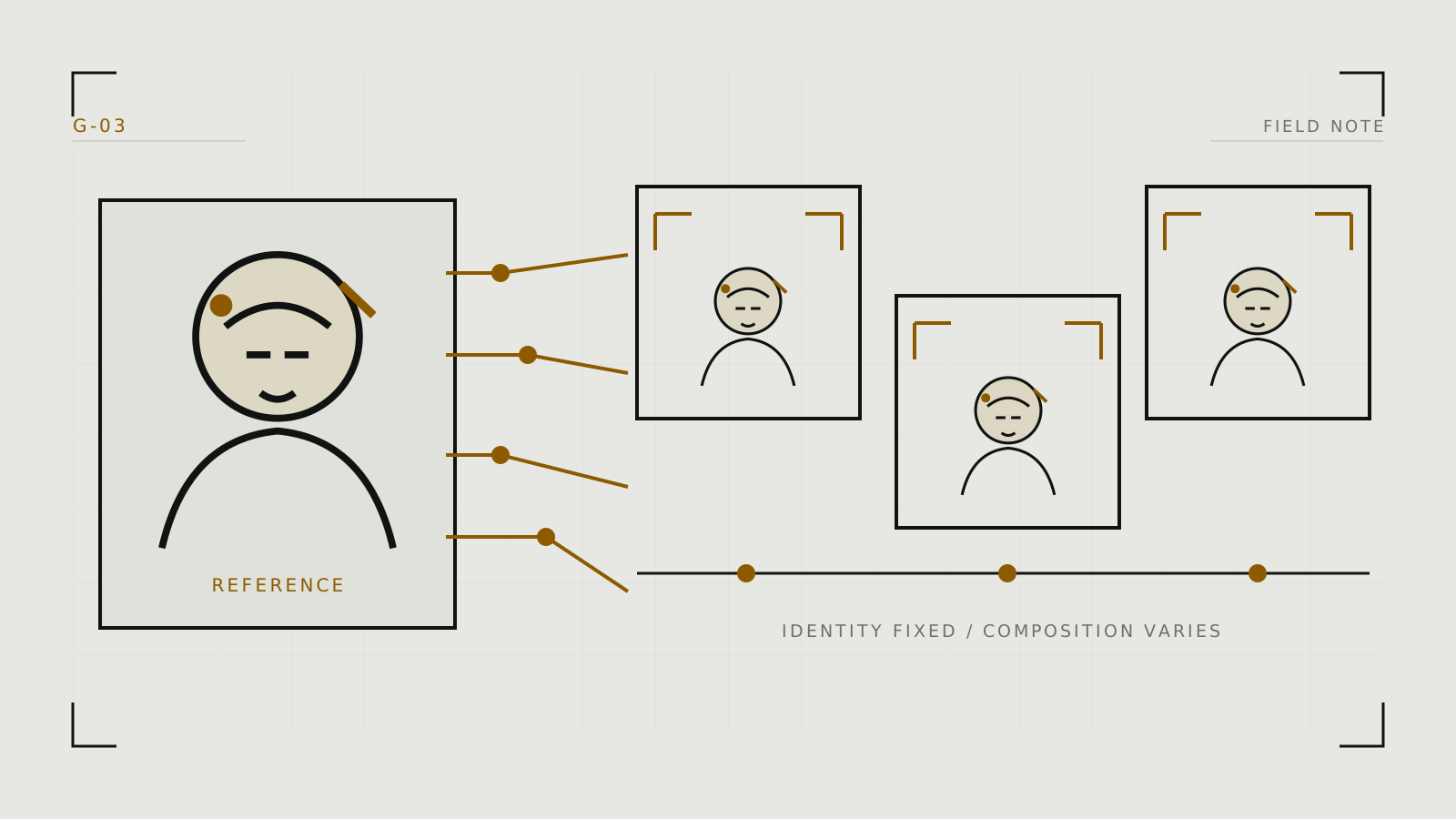
Define what must stay consistent
Character consistency is not one control. Identity, hair, body proportions, wardrobe, art style, and scene continuity can drift independently. Write a short character anchor containing only persistent visual facts, then keep pose, camera, clothing, and location in a separate scene block. Separating those fields lets you change a scene without accidentally rewriting the identity.
Create three tests: close portrait, half-body view, and a different lighting or angle. A method that only survives one front-facing portrait is not yet reliable.
Use a progression of control methods
- Prompt and model. Hold the checkpoint and stable identity wording constant. This is fastest but weakest.
- Seed reuse. A fixed seed helps controlled variations, though large prompt or composition changes can still produce a different identity.
- Reference conditioning. An IP-Adapter or platform reference feature conditions on image features without retraining the base model. Adjust its influence: too little drifts; too much copies pose, framing, or lighting.
- Structural control. ControlNet can preserve pose, depth, or edges. It controls structure, not identity, so it often complements an identity reference.
- Trained adaptation. A compatible LoRA can encode a recurring subject. It must match its base model family and still needs careful strength and prompting.
Build a reusable character recipe
Record the checkpoint, VAE where relevant, character anchor, negative prompt, reference files, adapter weights, LoRA names and strengths, dimensions, sampler, step count, guidance, and seed. ComfyUI is well suited to explicit reusable graphs; AUTOMATIC1111 and Forge expose the same general ingredients through panels and extensions. Hosted companion tools such as Kindroid may package character-reference features behind a platform-specific control.
Change only one axis during testing. First validate identity across seeds, then pose, then wardrobe, then style. Save representative failures as well as successes; they reveal whether the method collapses at profiles, wide shots, or unusual lighting.
Diagnose the kind of drift
- Face is close but generic: increase identity conditioning slightly or improve the reference crop.
- Reference pose keeps leaking through: lower image-conditioning strength and use separate pose control.
- Style changes the face: test the identity method without the style LoRA, then reintroduce it at lower strength.
- Body or clothing changes: move stable traits into the anchor and repair isolated regions with inpainting.
- Only the original seed works: the prompt is not carrying enough identity; move up one level in the control progression.
After identity is stable, use the image-quality diagnostic guide for detail and resolution issues.
Likeness and reference-image limits
Use references of a synthetic adult, yourself, or an adult who specifically agreed to this use. Permission to possess a photo is not permission to make sexualized derivatives. Do not train a subject LoRA or assemble a face-reference set from scraped real-person images.
Read likeness consent and check the platform's retention terms before upload. For a sensitive source, a fully local workflow reduces transmission but still requires secure storage, careful extensions, and responsible sharing. See what happens to uploaded images.
Technical context
Reference conditioning constrains one workflow, while a compatible LoRA changes a base model.