

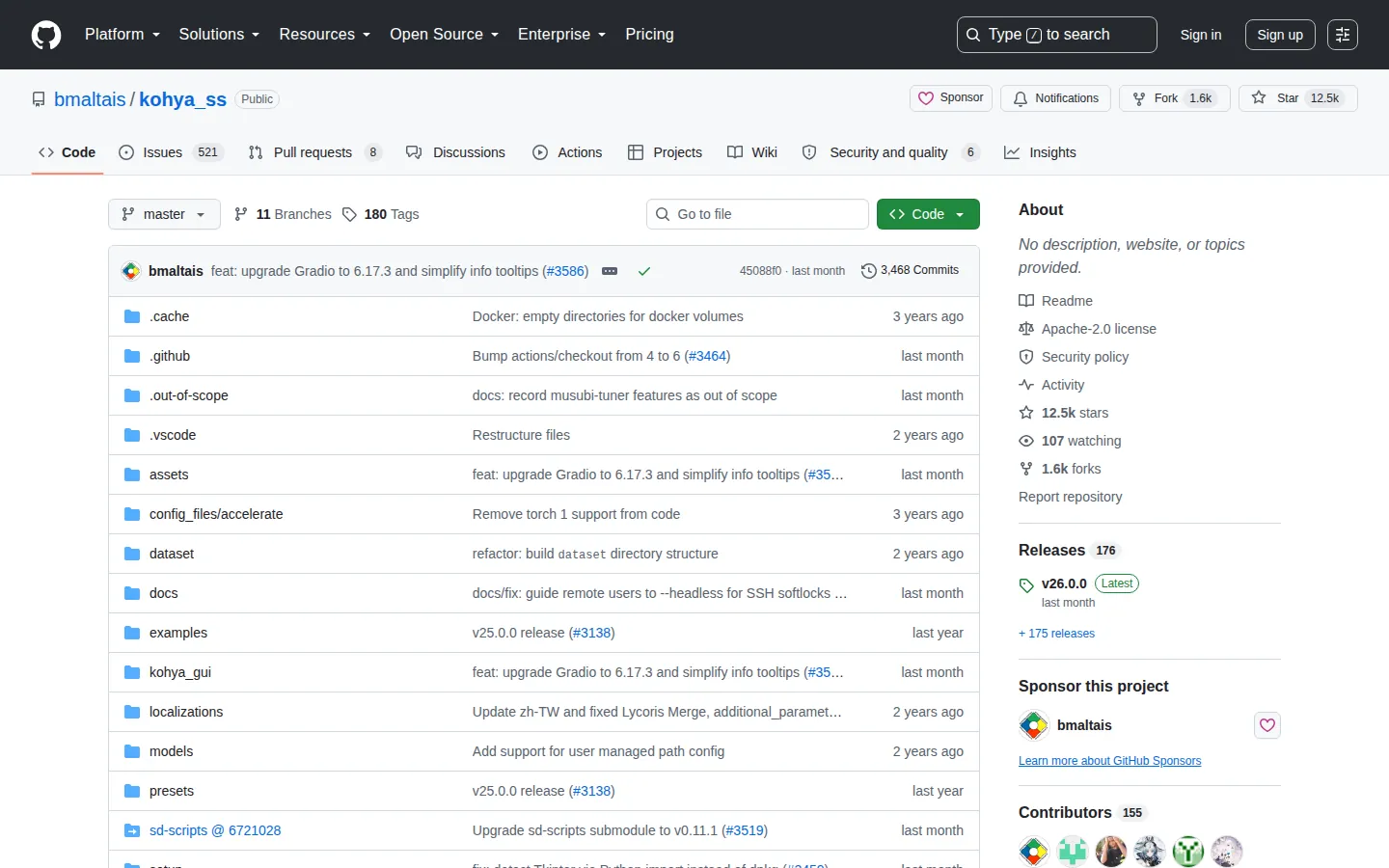
Training interface, not generator
Kohya_ss configures a training run and produces adapter or fine-tuned weights; it is not the interface normally used to create the final image. A resulting LoRA can be loaded into AUTOMATIC1111, ComfyUI or another compatible generator. The base family and network settings must match what the target loader supports.
Dataset and caption workflow
A character LoRA begins with focused training data: images, captions or tags, and repeat/batch settings. More images do not automatically improve identity if the set contains inconsistent faces, ages, styles or unwanted backgrounds. Dataset preparation should exclude non-consensual intimate material and personal images whose subject did not agree to model training.
Methods and compatibility
The GUI documents LoRA, DreamBooth, full fine-tuning and SDXL training, with later releases adding settings for FLUX.1 and SD3 workflows. These are distinct architectures and training recipes, not interchangeable labels. A LoRA trained against one base model generally cannot be moved to another family merely by renaming the file.
Hardware, evaluation, and limits
Resolution, batch size, optimizer state, precision, caching and base-model size all affect VRAM demand. Sample generation during training can reveal overfitting or a missing concept, but visual inspection across neutral prompts is still needed. Training can reproduce source-specific details or artifacts; the finished file should carry a clear base, trigger, license and dataset-consent record before distribution.
Technical context
Kohya_ss exposes family-specific LoRA and fine-tuning settings; the adaptation dossier explains dataset, base, training, and validation boundaries.