
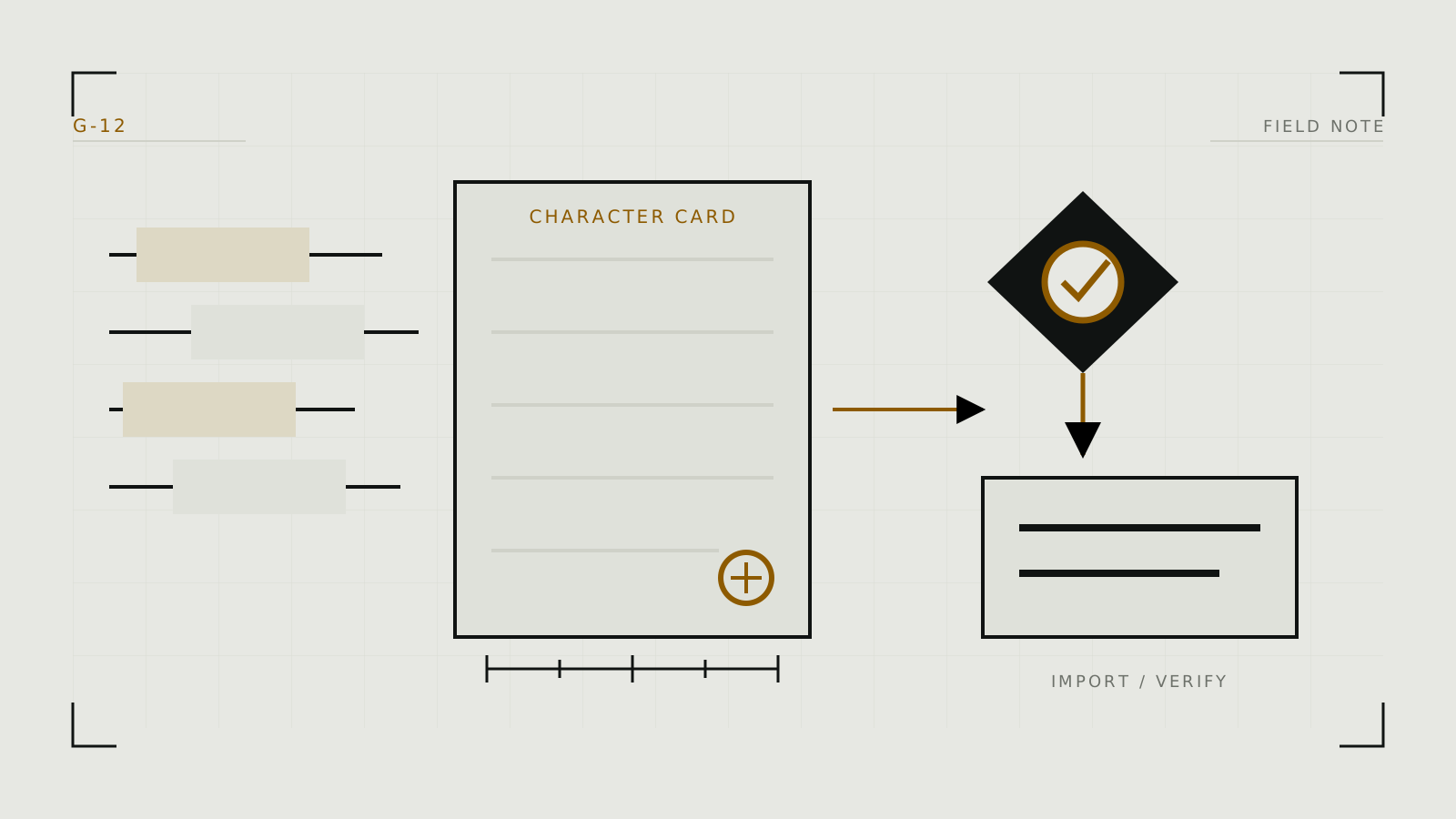
Design the character before filling fields
A character card is structured prompt material, not the model itself. Write a one-sentence premise, five or six durable traits, the relationship to the user, current scenario, speaking style, and clear behavioral boundaries. Keep the character separate from the user's persona.
Use original fictional adults or licensed characters and likenesses. Do not build sexualized cards that impersonate a real person without consent.
Put information in the right field
- Description: durable identity, appearance where relevant, background, motivations, and behavior.
- Personality summary: a compact reinforcement, not a second contradictory biography.
- Scenario: the current situation and relationship frame.
- First message: demonstrates voice, length, formatting, agency, and the immediate scene.
- Example dialogue: a few representative turns that show style more reliably than adjectives alone.
- Lorebook/world info: optional facts that should enter context only when relevant.
SillyTavern documents which fields are permanent and how example messages can be dropped as the context fills.
Test the smallest version that works
- Check token cost. Permanent card material consumes part of every context window.
- Run neutral prompts. Test a greeting, disagreement, scene change, and request for an unknown fact.
- Look for behavior, not parroting. The character should express traits without repeating the definition.
- Remove duplication. Shorten any passage that does not change output.
- Version the card. Keep a known-good export before making structural changes.
If continuity fails only after a long chat, the card may be fine; inspect memory and context with the long-roleplay guide.
Export with provenance and privacy in mind
Export through the frontend's documented character-card function. Review the exported card for creator notes, embedded lore, tags, images, private scenario text, or personal details before sharing. Do not assume the visible editor shows every metadata field.
Keep a plain-text copy of the core definition as a recovery format. Record the card version, intended model family, frontend, and any required prompt or chat template. A card image can contain embedded data; treat files from strangers as untrusted input and import only through a maintained tool.
Import as a compatibility test
Fields, macros, lore bindings, alternate greetings, prompt overrides, and embedded tags do not transfer identically across every platform. A hosted service may accept only part of a common card format. A local frontend may import the card but send it through a different system prompt, tokenizer, instruct format, or backend model.
- Import a copy. Preserve the original export.
- Inspect every mapped field. Look for truncation, missing lore, swapped user/character macros, and hidden overrides.
- Select the backend's expected template. KoboldCpp and similar backends may report model template metadata, but verify the selection.
- Repeat the same test prompts. Expect style differences; investigate missing behavior.
- Create a platform-specific version. Do not damage the portable source card to compensate for one frontend.